
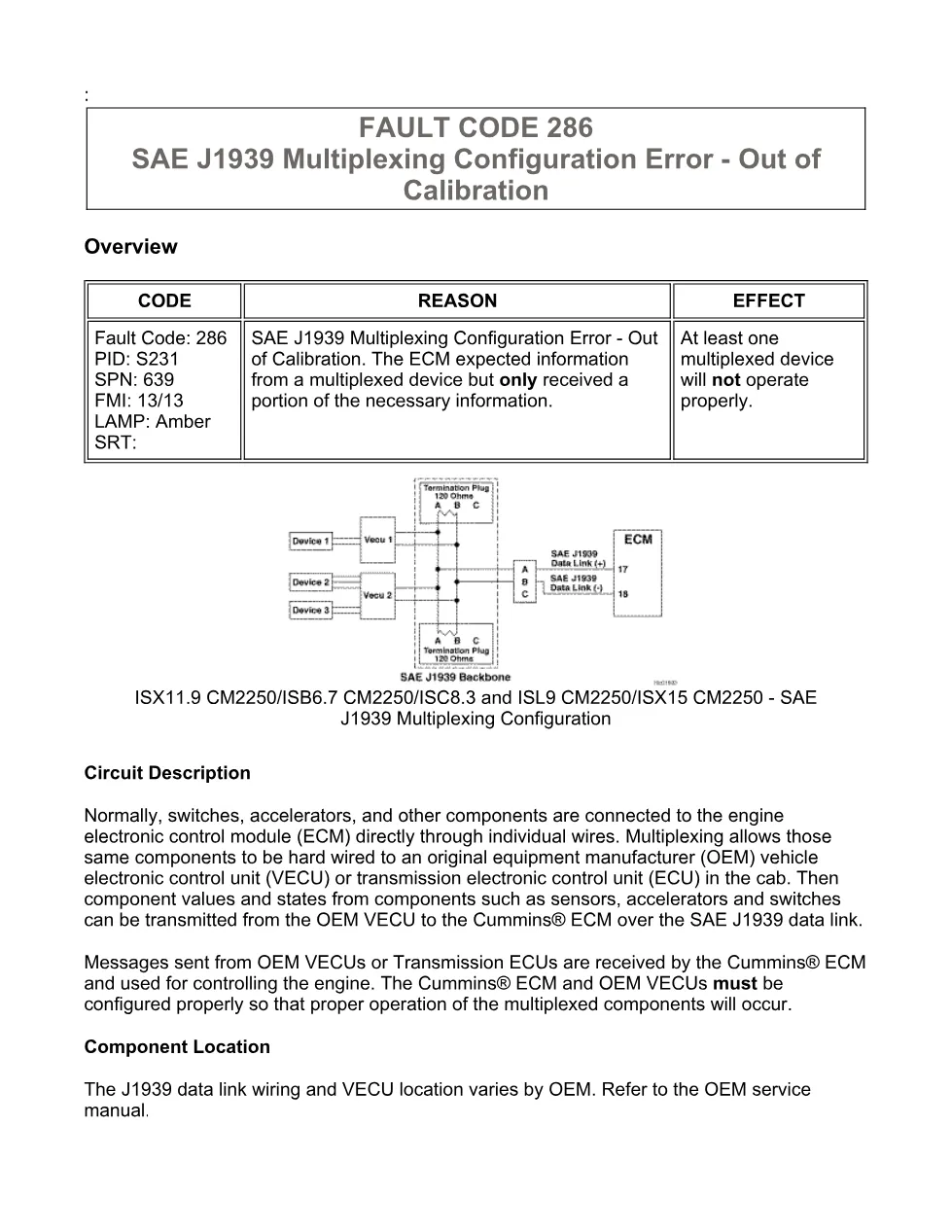
The fault code 286 DTCs troubleshooting manual is the official Cummins diagnostic procedure for the SAE J1939 multiplexing configuration on the ISX11.9 CM2250 engine platform. Multiplexing lets switches, accelerators and other components hard-wire to an OEM vehicle control unit that then reports their state to the ECM over the SAE J1939 data link. This 14-page PDF walks a technician from symptom to verified repair.
Official document details
| Brand | Cummins |
|---|---|
| Model coverage | Cummins ISX11.9 CM2250 (2010-12), Cummins ISX12 CM2250 (2010-12) |
| System / Group | SAE J1939 multiplexing configuration, DTCs |
| Fault code reference | Fault Code 286 — SPN 639, FMI 13 |
| Warning lamp | an amber warning lamp |
| Revision (Last Modified) | 11-Jun-2010 |
| Pages | 14 |
| File size | 0.26 MB |
| Format | |
| Language | English |
fault code 286 DTCs document contents
- Overview and Circuit Description
- Component Location
- Conditions for Running the Diagnostics
- Conditions for Setting the Fault Code
- Action Taken When the Fault Code Is Active
- Conditions for Clearing the Fault Code
- Shop Talk and possible causes
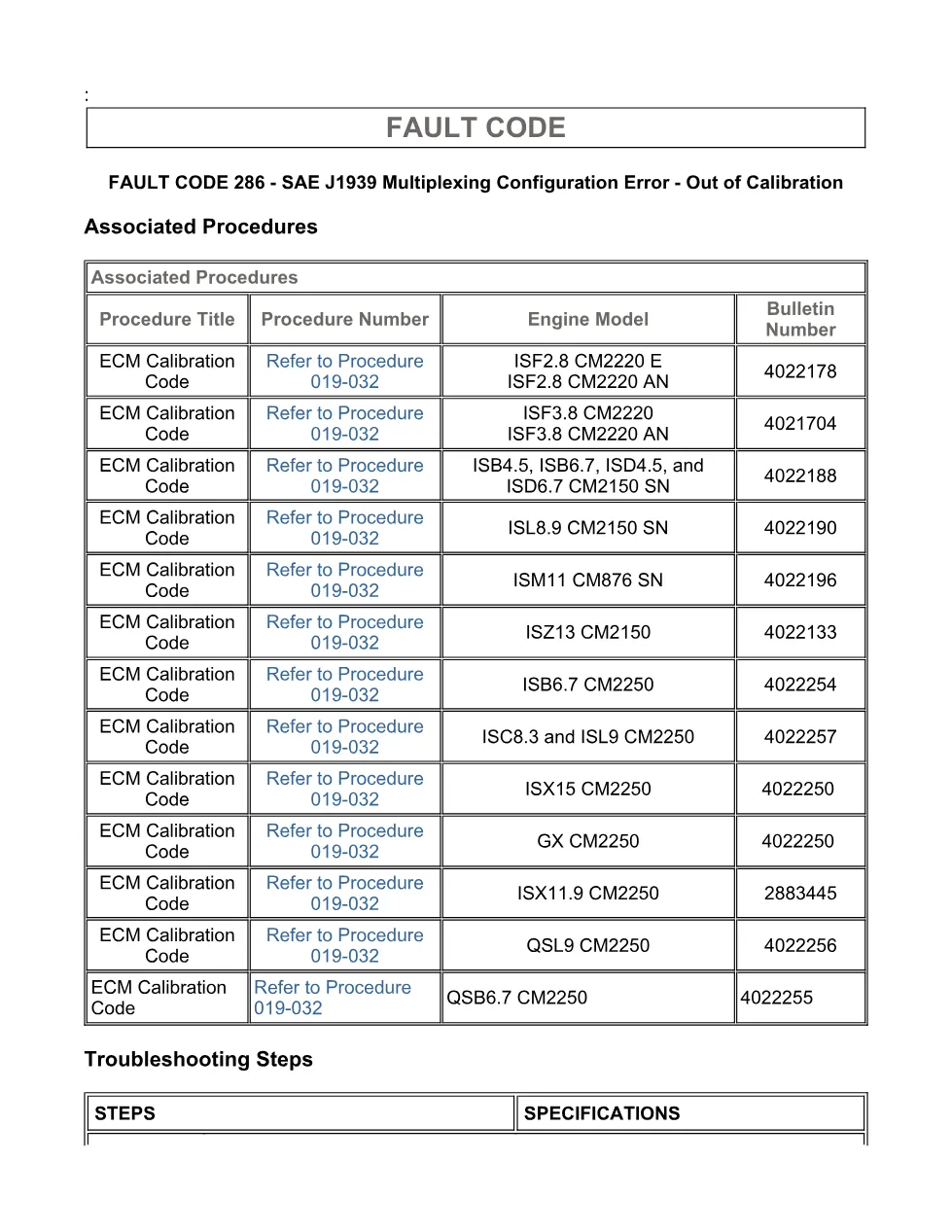
- Associated Procedures table
- Guided troubleshooting steps
- Verify the repair
Applicable truck models covered
This procedure applies to Cummins engines that report Fault Code 286 (SPN 639, FMI 13), including the Cummins ISX11.9 CM2250 (2010-12), Cummins ISX12 CM2250 (2010-12). Always confirm the exact calibration and publication for your engine on the official Cummins engine support site before ordering parts.
Common causes and symptoms
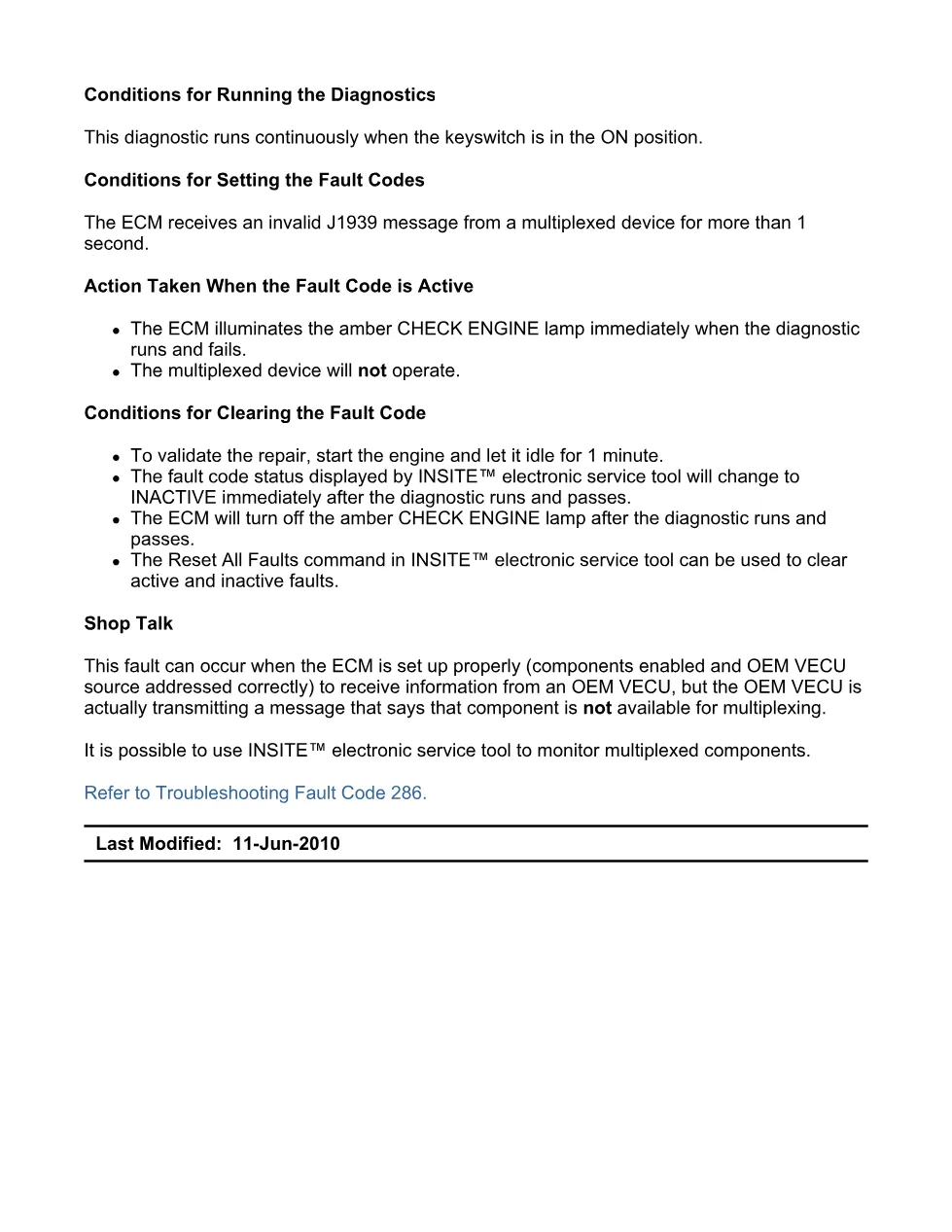
This fault reports a multiplexing configuration error that is out of calibration, meaning the ECM and OEM device do not agree on the multiplexed setup. Shop Talk in the document lists the most likely causes:
- A multiplexing configuration or calibration mismatch
- Incorrect OEM programming of the multiplexed components
Who needs the fault code 286 DTCs manual
Diesel technicians and workshop owners diagnosing Fault Code 286 on ISX11.9 CM2250 trucks need this manual to follow the guided steps, use the correct connector pins and verify the repair with INSITE electronic service tool instead of guessing.
Downloading the complete procedure gives you the exact wiring diagrams, connector pin identification and INSITE service-tool checks referenced throughout the document. The full PDF is available in the DiagTechPro manuals library; a free account is required to download.
Related manuals library
Sản phẩm liên quan cho hãng này
Cùng brand theo taxonomy hiện có trong catalog WooCommerce.

Cummins INSITE 9.3 – The Essential Diagnostic Tool for Cummins Engines

Cummins Calterm Version 5.16 – Advanced ECM Control and Precision Tuning for Cummins Engines

Cummins InCal CE – The Calibration and Configuration Tool for Cummins Engines


