
ZF
ZF diagnostic software from DiagTechPro, installed remotely on your own Windows laptop and tested before we finish. In addition, below you find each ZF title we install, which one fits your work, and our step-by-step guides.
Showing the single result
-
Sale!
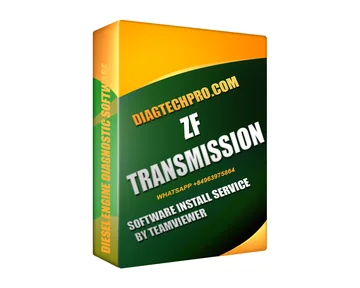
ZF TRANSMISSION
Original price was: 60 $.50 $Current price is: 50 $. + 5% PayPal tax at checkout Add to cart
Which ZF diagnostic software do you need?
The ZF transmission software covers ZF automated transmissions such as AS Tronic and TraXon. It reads codes, shows data and runs the clutch and gear teach-in routines.
Tell us the transmission and your interface, and we confirm compatibility.
ZF titles we install
First of all, here is every ZF title in our shop. Each link opens the full product page, with the requirements, the versions and the price.
- ZF TRANSMISSION: ZF transmission diagnostic software v2.1 for supported ZF AS Tronic, TraXon and EcoLife units: fault memory and live data.
About the ZF brand
ZF Friedrichshafen is a German driveline supplier whose AS Tronic, TraXon and EcoLife transmissions equip trucks, buses and special vehicles. Electronic modules control ZF transmissions, so diagnosis needs ZF service software. For the maker's own information, visit the official ZF website.
ZF guides and how-tos
Installing ZF diagnostic software on your laptop
The process is simple. First, check that your laptop runs Windows 10 or 11 Pro 64-bit, with an Intel Core i5 8th generation or newer, 8 GB of RAM and an SSD with 250 GB free. Then pay by PayPal at checkout, so your payment stays protected. Next, a technician connects by TeamViewer or AnyDesk, installs the software and tests it with you. After that, the software works offline.
In addition, every installation includes 12 months of support. Also, you get a full refund if we cannot make the software work on the setup we confirmed; read the refund policy. To see real installations, watch our YouTube channel DIAGTECHPRO INSTALLATION.
Questions about ZF software?
Before you order, it is a good idea to ask us first. For example, message us on WhatsApp at +84 963 975 864 or email di4gtechpro@gmail.com. Then tell us the vehicle or machine, the engine or controller and your adapter, and we confirm the right title before you pay. Alternatively, you can also use our contact page.
