
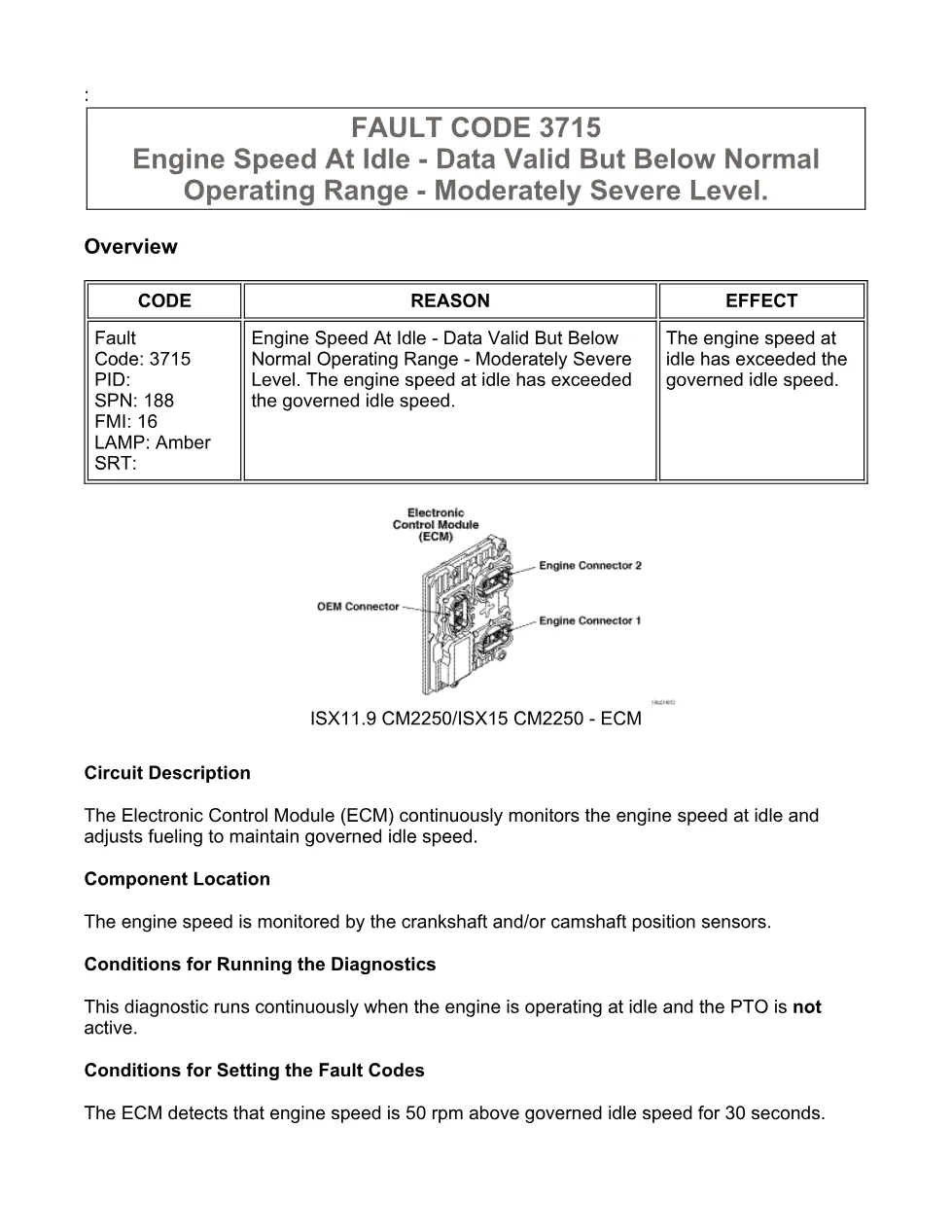
Cummins fault code 3715 is logged by the electronic control module (ECM) on Cummins ISX11.9 and ISX15 CM2250 engines when it detects a engine speed at idle problem recorded as Engine Speed At Idle – Data Valid But Below Normal Operating Range – Moderately Severe Level. This page in the DiagTechPro manuals library explains the SPN, FMI and lamp behaviour so a technician can plan the repair before the truck reaches the bay. Every entry in this library follows the same layout, so a workshop can move quickly from the dashboard warning to the correct wiring or component test.
What Cummins fault code 3715 means
Cummins identifies this event as SPN 188, FMI 16, with an amber warning lamp. The ECM illuminates the amber CHECK ENGINE lamp after the diagnostic fails on two consecutive trips.
How the ECM sets this code
The ECM continuously monitors engine speed at idle and trims fueling to hold the governed idle speed, and it logs the code when idle speed stays roughly 50 rpm above governed idle for about 30 seconds. Reading the exact SPN and FMI with a Cummins INSITE electronic service tool is the fastest way to confirm you are chasing the right circuit rather than a related aftertreatment code.
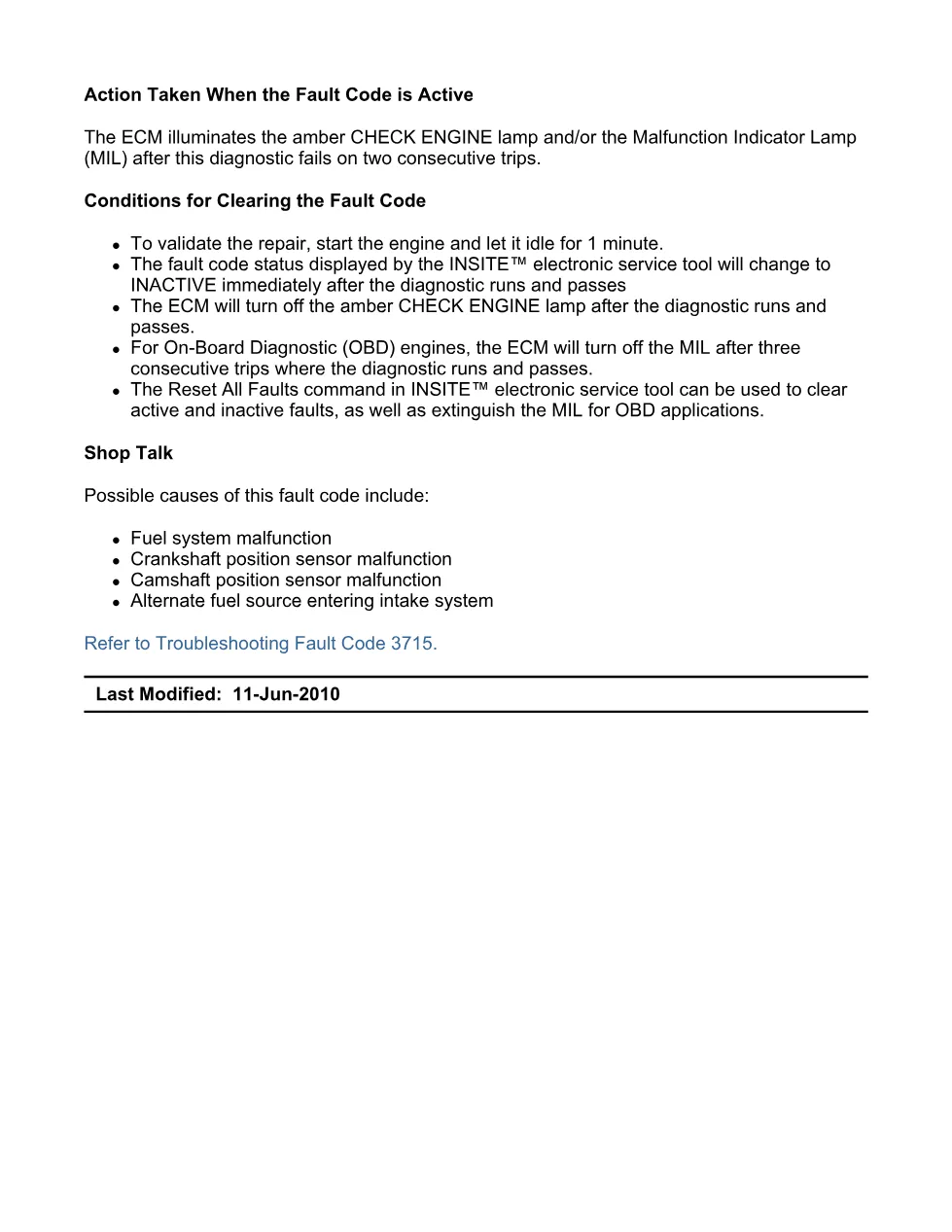
Possible causes and shop talk
The Cummins service information lists the following possible causes:
- Fuel system malfunction
- Crankshaft position sensor malfunction
- Camshaft position sensor malfunction
- Alternate fuel source entering the intake system
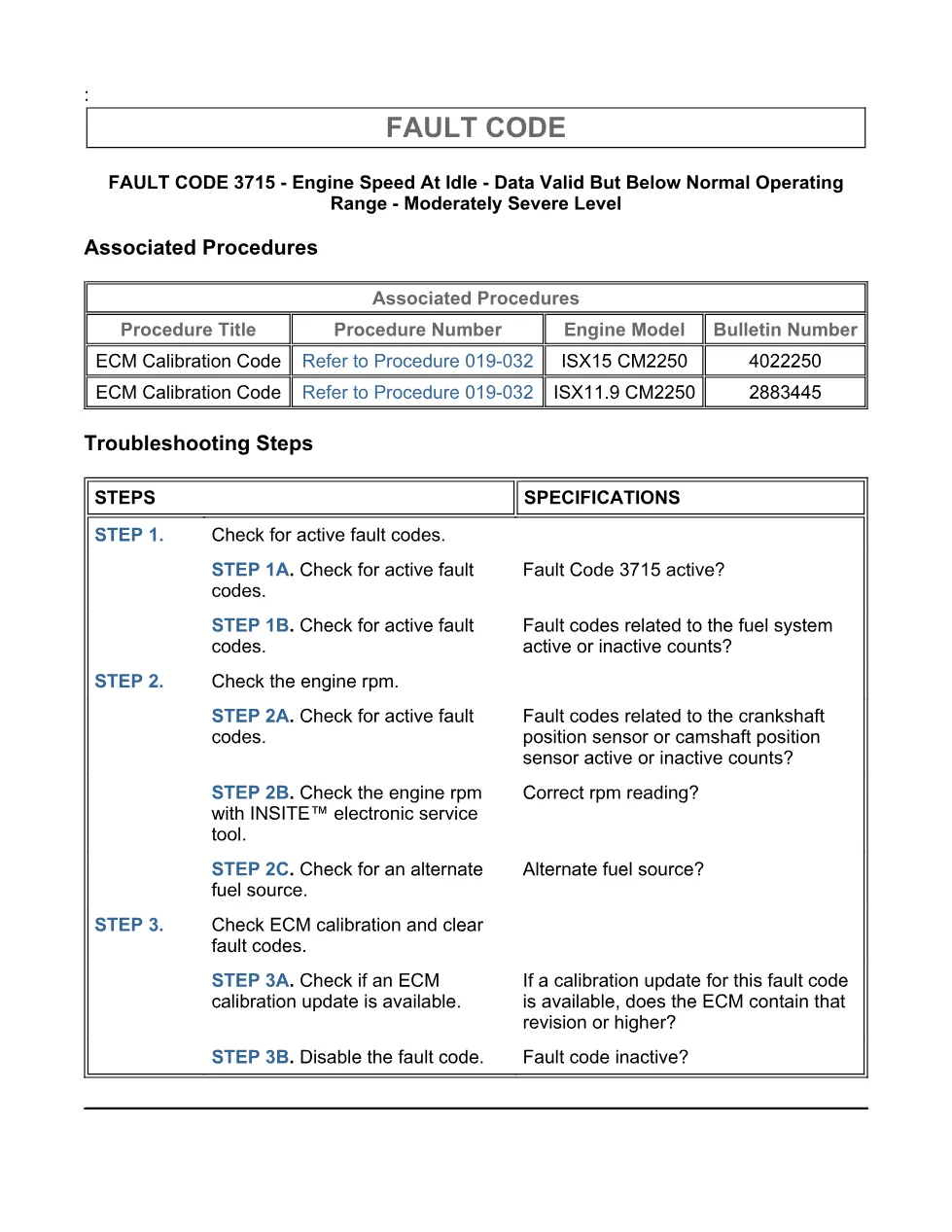
Inspect the wiring and connectors for the affected circuit first, then test the component itself, and only replace parts after INSITE confirms the failure. Check the calibration revision history on Cummins QuickServe Online in case a software update addresses the complaint.
Clearing Cummins fault code 3715
Because fault code 3715 can share root causes with other SPN 188 aftertreatment and engine codes, repair the confirmed fault, then restore the monitored conditions and check that the status changes to inactive in INSITE. This document was last revised on 11-Jun-2010 by Cummins. Open the full step-by-step tree from the DiagTechPro manuals library, and confirm current bulletins through official Cummins engine support before finishing the job.
Related manuals library
Sản phẩm liên quan cho hãng này
Cùng brand theo taxonomy hiện có trong catalog WooCommerce.

Cummins INSITE 9.3 – The Essential Diagnostic Tool for Cummins Engines

Cummins Calterm Version 5.16 – Advanced ECM Control and Precision Tuning for Cummins Engines

Cummins InCal CE – The Calibration and Configuration Tool for Cummins Engines


