
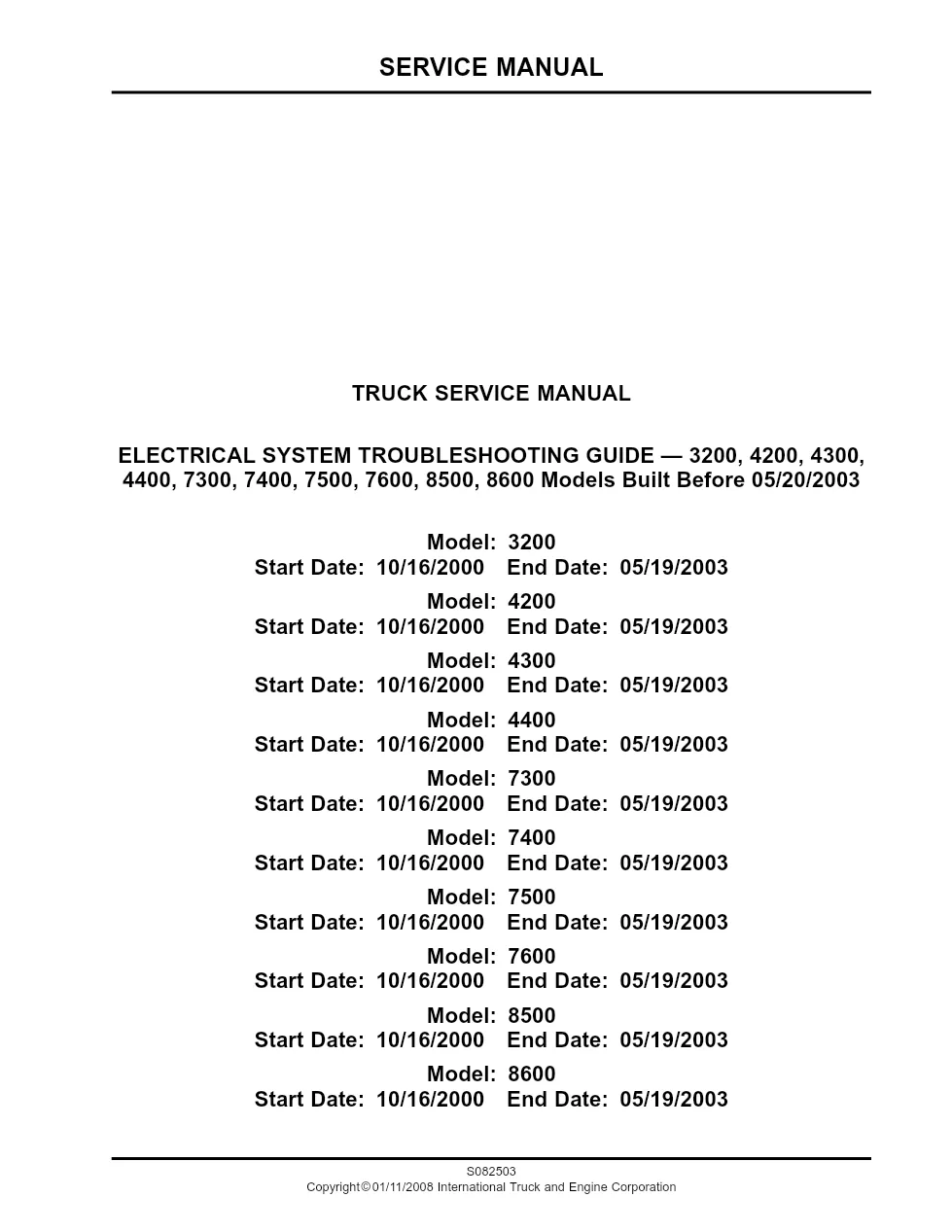
This WorkStar electrical troubleshooting guide (publication S082503) is the 2332-page factory manual for diagnosing electrical faults on International 7300, 7400, 7500 and 7600 WorkStar trucks built before 20 May 2003. It covers every electrical group through to diagnostic trouble codes.
Official document details
| Brand | International Trucks (Navistar) |
| Model coverage | 7300, 7400, 7500, 7600 (WorkStar, built before 05/20/2003) |
| System / Group | Electrical Troubleshooting |
| Publication no. | S082503 |
| Year / Revision | Oct 2000 – May 2003 |
| Pages | 2332 |
| File size | 23.2 MB |
| Format | |
| Language | English |
What the WorkStar electrical troubleshooting guide covers
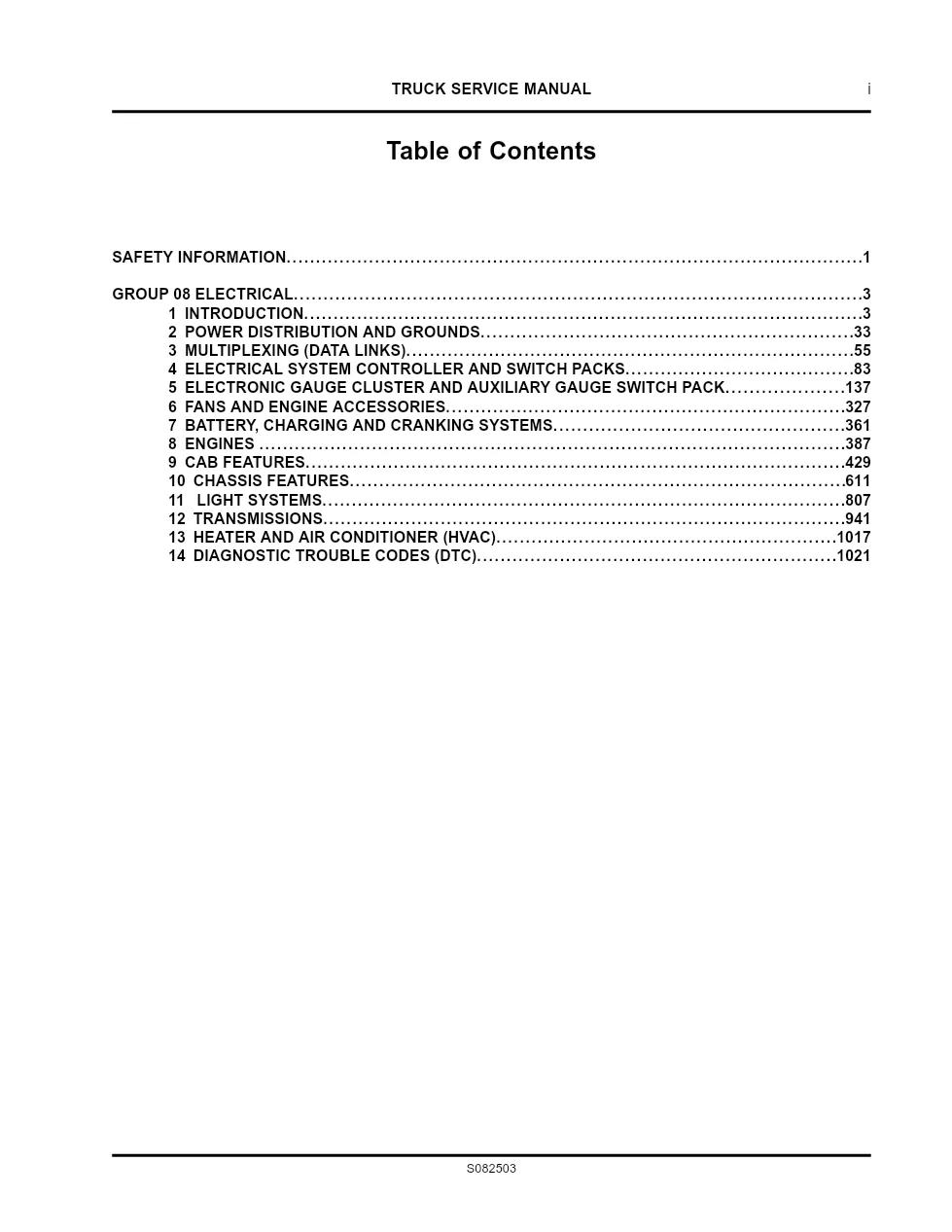
- Introduction and power distribution
- Multiplexing (data links)
- Electrical System Controller and switch packs
- Electronic gauge cluster
- Fans, engine accessories and charging systems
- Engines, cab and chassis features
- Light systems, transmissions and HVAC
- Diagnostic trouble codes (DTC)
Publication S082503 also serves the 7300, 7400, 7500 and 7600 WorkStar models. It covers multiplexing data links, switch packs, the electronic gauge cluster and a large diagnostic trouble code section, and specifies breakout box ZTSE 4477 for controller measurements.
Applicable truck models
This guide covers 7300, 7400, 7500 and 7600 WorkStar models (and related 3200-8600 units) built before 20 May 2003. Check your build date first. See the International Trucks official website.
Who uses this WorkStar electrical troubleshooting guide
Fleet diagnosticians and independent shops use this section to read fault codes, test circuits at the Electrical System Controller and repair multiplex faults. It is a professional reference for trained technicians.
Like its DuraStar sibling, the guide is organised group by group with description, operation and test tables, then a large fault-code list keyed to repair instructions. Measure at the Electrical System Controller through the specified breakout box, record the connector numbers in parentheses, and verify the build-date range before you start. Repair the circuit that set the code rather than simply clearing it, then retest to confirm the fix holds.
The full PDF is available in the DiagTechPro manuals library — a free account is required to download. Each listing shows the exact publication number so you can match the document to your VIN and build date before downloading.
Related manuals library

Sản phẩm phổ biến từ DiagTechPro
Gợi ý chung: các sản phẩm phổ biến của shop, không phải sản phẩm được gán cho hãng của tài liệu này.

Full Diesel Laptop Pack – All-in-One Diagnostic Solution for Diesel Technicians
ALLISON TCM REFLASH

ALLISON DOC


