

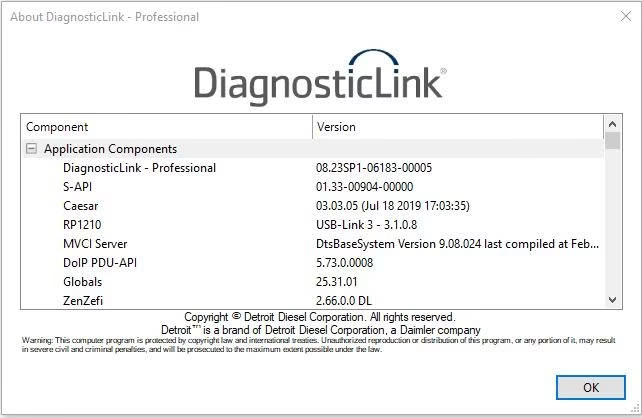
A Detroit cylinder cutout test switches off one injector at a time on a DD13, DD15 or DD16 engine. Then DiagnosticLink compares how much each cylinder works. As a result, you can find a weak injector or a misfiring cylinder in minutes.
Why run a Detroit cylinder cutout test
Rough running, smoke, a misfire code or high fuel use often start in one cylinder. However, swapping injectors at random is expensive. Instead, the test lets the engine controller measure each cylinder in the same way.
When the tool cuts a strong cylinder, the engine needs more fuel to keep the speed. When it cuts a weak one, the fuelling barely moves. Therefore, the smallest change marks the cylinder to inspect.
What you need before you start
- A Windows 10 or 11 Pro 64-bit laptop with the software installed and activated
- Detroit Diesel DiagnosticLink with the service routines
- A supported RP1210 adapter, such as a NEXIQ USB-Link or a Noregon DLA, with the correct 9-pin or 16-pin cable
- Engine at operating temperature
- A/C, PTO and other loads switched off
Park the truck, set the parking brake and keep the transmission in neutral. In addition, keep clear of the fan and the belts while the engine runs.
How to run a Detroit cylinder cutout test
- First, connect the adapter and start the engine.
- Then open DiagnosticLink and connect to the MCM.
- Next, check the fault codes and note any injector or misfire codes.
- After that, open the service routines and choose the cylinder cutout routine.
- Now select the automatic test, or a manual cutout for one cylinder.
- Start the routine and keep the engine at the requested speed.
- Finally, read the result for each cylinder.
Compare the results. If one cylinder clearly differs, inspect its injector, its harness and its compression before you order parts. Also, check the injector codes in the ECM, because a wrong code can cause the same symptom.
Reading Detroit cylinder cutout test results
One cylinder barely changes. That cylinder is weak. So check the injector, the valves and the compression.
The weak cylinder changes between runs. This often points to a wiring or connector problem rather than an injector.
Two cylinders side by side are weak. Then think about a head gasket or a valve problem.
The routine refuses to run. Usually the engine is too cold, or a load is on. Therefore, warm up the engine and remove the loads.
Get Detroit Diesel DiagnosticLink on your laptop
We install Detroit Diesel DiagnosticLink remotely on your own Windows laptop with TeamViewer or AnyDesk, and we test it before we finish. Each installation includes 12 months of support. Also, you get a full refund if we cannot make it work on the setup we confirmed with you; see our refund policy. For the maker’s own documents, visit the official Detroit Diesel website.
To see real installations first, watch our YouTube channel DIAGTECHPRO INSTALLATION. Then message us on WhatsApp at +84 963 975 864 or email di4gtechpro@gmail.com, and tell us the vehicle, the engine and your adapter.
Related guides on DiagTechPro
- Bidirectional Controls and Active Diagnostic Tests
- Injector Trim Coding: Purpose and Workshop Checks
- How to Interpret Live Data and Sensor Streams in DDDL 6.51
- DiagnosticLink 8.23 Won’t Connect? Fix Checklist
Questions about Detroit cylinder cutout test
Does the test work on Series 60 engines?
Yes, but older engines use DDDL 6.51 and a different routine name.
Will the test set new fault codes?
Sometimes it sets a temporary code. Simply clear it after the test.
Can I run it without a road test?
Yes. You run it with the truck parked, so no road test is needed.
