Description
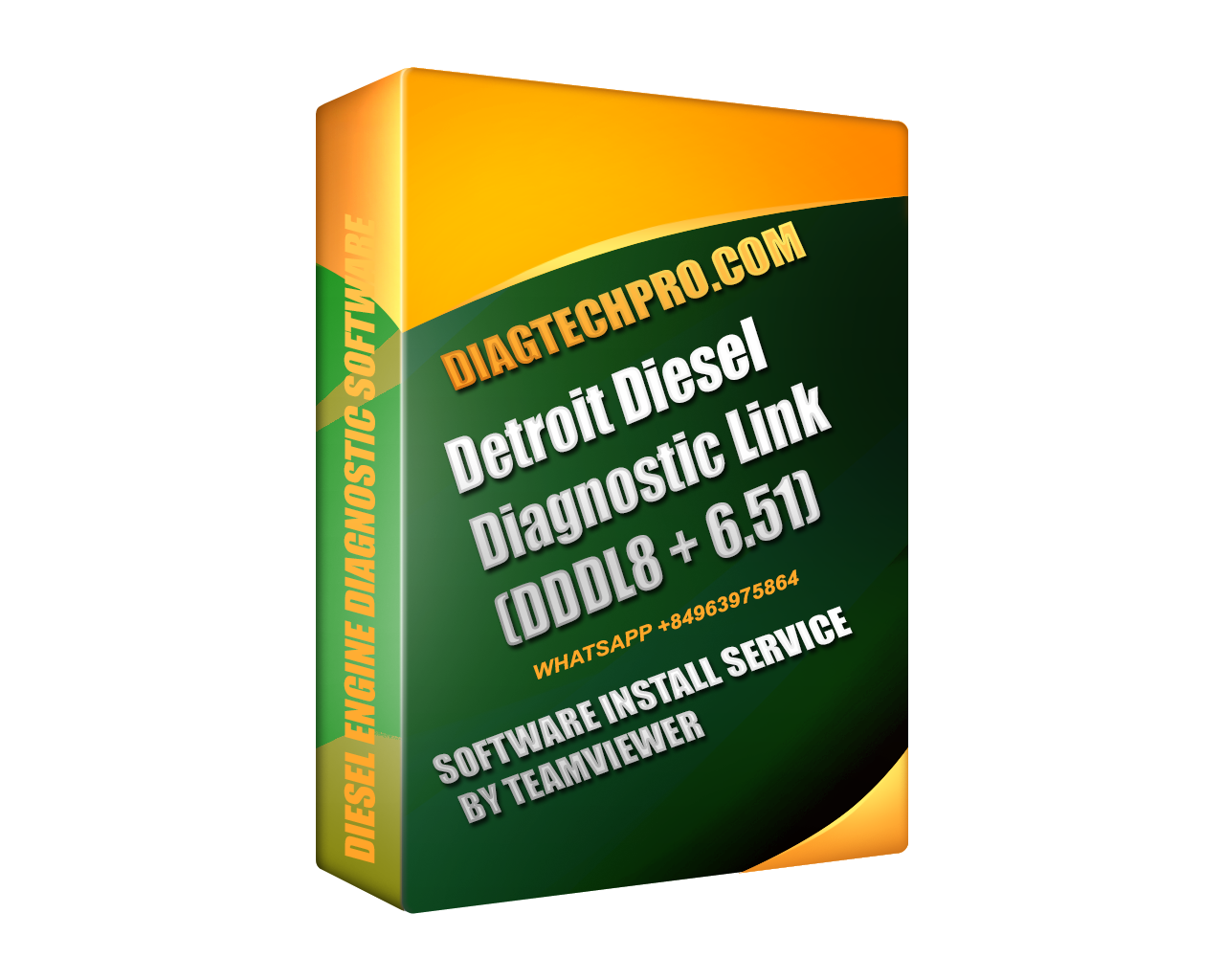
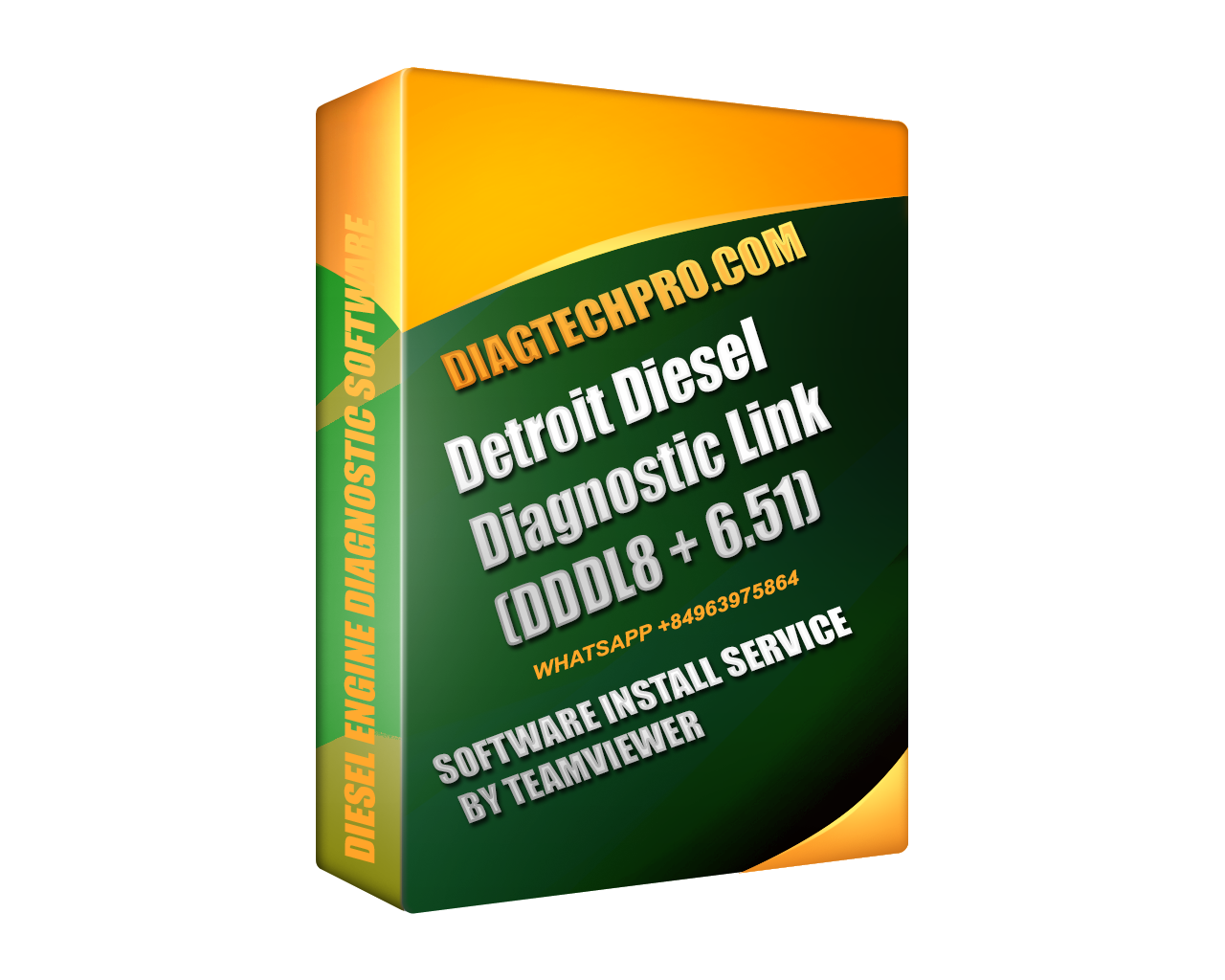
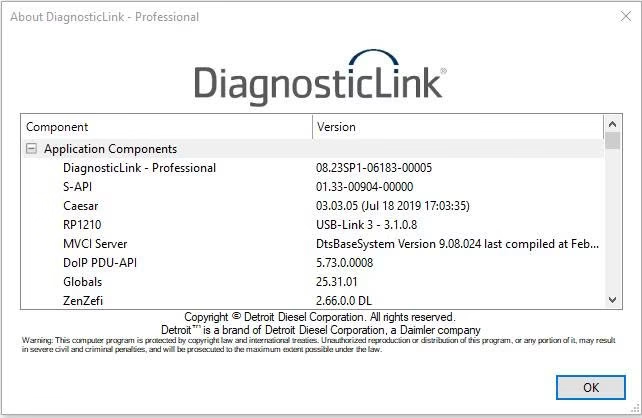
DDDL, short for Detroit Diesel Diagnostic Link (DiagnosticLink), is the factory PC software for Detroit engines and Freightliner vehicle systems. We install DDDL 8.23 at Pro level, and earlier 8.x releases are also available.
What DDDL does for your workshop
The program reads control-unit information and fault codes, shows live instrumentation and runs Detroit service routines. As a result, a technician can diagnose a DD15 power loss, check the aftertreatment and run a parked regeneration from one laptop.
- Read and clear fault codes on supported Detroit and Freightliner control units
- Live instrumentation and data logging
- Service routines such as parked regeneration, injector cut-out and DPF tests
- View and change supported parameters at Pro level
- Covers DD13, DD15, DD16, DD8, DD5 and DT12 systems where supported
For example, fleet shops use DDDL to clear a stuck regen, check a DT12 transmission fault, or set road speed limits on Cascadia trucks.
About Detroit Diesel and its service software
Detroit Diesel is the engine and powertrain brand of Daimler Truck North America. Its DD13, DD15 and DD16 engines, Series 60 engines and DT12 transmissions power Freightliner, Western Star and Thomas Built vehicles. As a result, Detroit service work depends on dedicated PC software from the factory tool family. You can see every Detroit Diesel title we install on the Detroit Diesel software page. For the maker’s own information, visit the official Detroit Diesel website.
Available versions of DDDL
Choose 8.23, 8.17, 8.15, 8.13, 8.11, 8.9 or 8.7 in the Version box. In general, 8.23 is the right choice for current trucks; an older release can suit an older laptop. Ask us if you are unsure.
DDDL system requirements
Before you order, please check that your laptop meets these requirements. In short, a recent business laptop is enough, but an old or very slow computer will not run the software well.
- Windows 10 or Windows 11 Pro, 64-bit
- Intel Core i5 8th generation or newer (or a similar AMD processor)
- 8 GB of RAM or more
- SSD drive with at least 250 GB of free space; we install the software on drive C
- An RP1210 adapter such as a genuine NEXIQ USB-Link 2 or 3, or a Noregon DLA+ 2.0
- Internet access during the remote installation only; afterwards the software works offline
Not sure about your laptop or adapter? Send us its details before payment, and we will check it first. If we think the computer is too weak, we will tell you before you pay.
How we install DDDL for you
Installation is fully remote. First, you complete the order and pay by PayPal at checkout. Next, a technician contacts you by WhatsApp or email to set a time. Then we connect to your laptop with TeamViewer or AnyDesk, install the software, activate it and check that it opens correctly. A single program is usually ready the same day; a full pack can take several hours, depending on your internet speed.
Please keep the laptop plugged into its charger during the session. One licence covers one computer, so a second laptop needs a second installation. After the installation, do not update Windows or the software, because an update can break the activation.
Want to see how it works first? Watch real remote installations on our YouTube channel DIAGTECHPRO INSTALLATION.
Support, warranty and refund policy
Every installation comes with 12 months of support from the installation date. During that time, we reconnect and fix the program if it stops working. However, the warranty ends if you reset or reinstall Windows, or if you update Windows or the software.
Because we deliver the software digitally, you cannot return it like a physical product. You receive a full refund if you cancel before the installation starts, or if our technician cannot make the software work on the setup we confirmed with you in writing. However, we do not refund a change of mind after a working installation. Read the full refund and return policy and the delivery page for every detail.
Contact DiagTechPro before you buy
We are happy to answer questions first. Tell us the vehicle or machine, the engine or controller and your adapter, and we will confirm the right version.
- WhatsApp: +84 963 975 864
- Email: di4gtechpro@gmail.com
- YouTube: DIAGTECHPRO INSTALLATION videos
- Website: diagtechpro.com and our contact page
We work from Vietnam, so our day runs about half a day ahead of US time. Even so, someone usually answers in the evening too.
Related software you may also need
- Detroit Reprogramming Station 7.11 – module programming
- Detroit Calibration Tool 4.5
- the Detroit software pack
Questions about DDDL
What is the newest DDDL version you install?
DDDL 8.23 at Pro level.
Does DDDL cover the DT12 transmission?
Yes, DT12 systems are covered where the release supports them.
Which adapter do I need?
An RP1210 adapter such as a genuine NEXIQ USB-Link 2 or 3, or a Noregon DLA+ 2.0.