
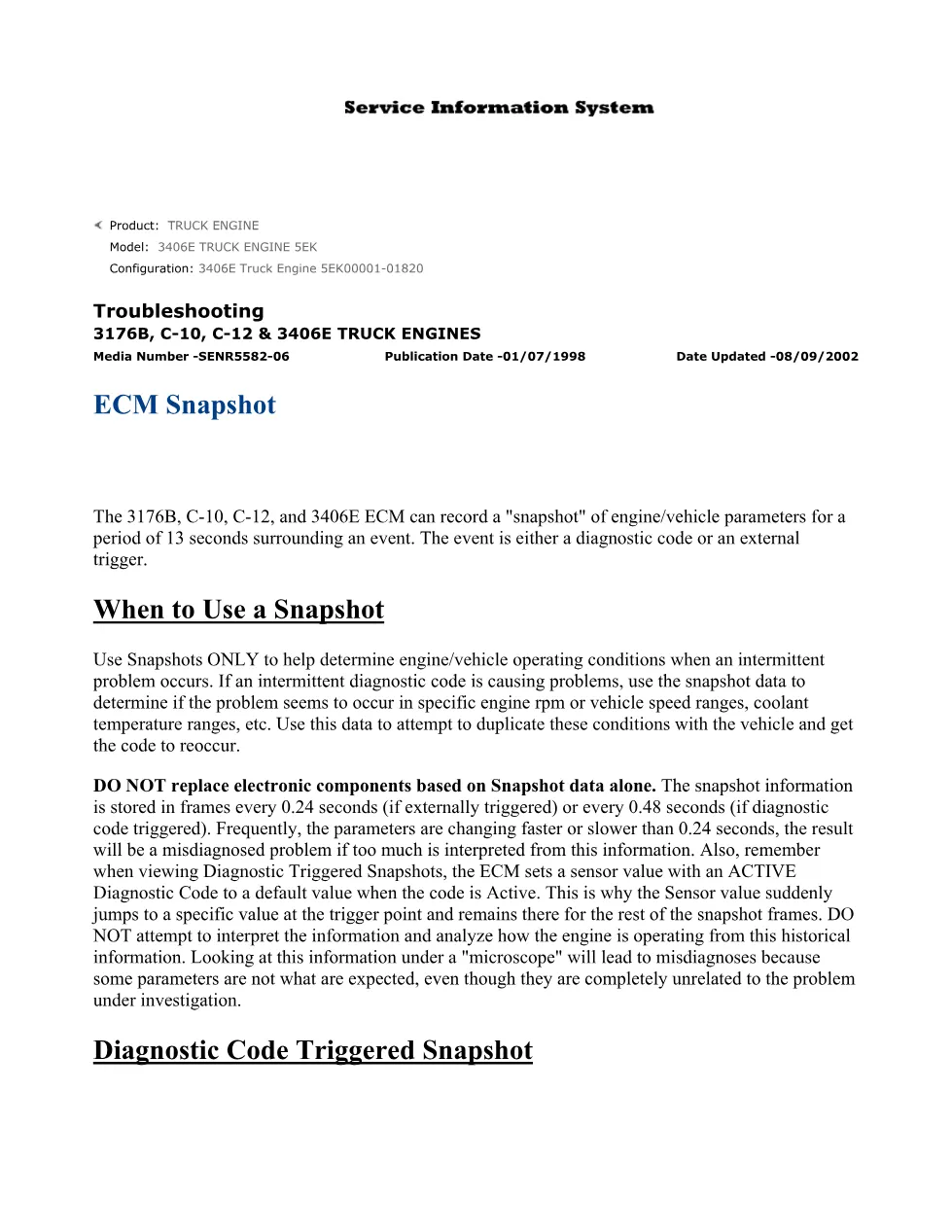
The CAT ECM snapshot guide is the section of Caterpillar manual SENR5582-06 that explains how the ECM captures a short recording of engine and vehicle parameters around an event. On the 3176B, C-10, C-12 and 3406E truck engines, the ECM can record roughly 13 seconds of data surrounding either a diagnostic code or an external trigger, giving the technician a window into what the truck was doing at the moment of the fault.
When to use it — CAT ECM
The manual is explicit that a CAT ECM snapshot should be used only to help determine operating conditions when an intermittent problem occurs. If an intermittent code is causing trouble, the snapshot data helps show whether the fault appears in a particular rpm, vehicle-speed or coolant-temperature range, so the technician can then try to reproduce the code under those same conditions and confirm it.
How the data is stored — CAT ECM
Understanding the sampling rate is key to reading the data correctly:
- Frames are stored every 0.24 seconds when externally triggered
- Frames are stored every 0.48 seconds when diagnostic-code triggered
- Parameters may be changing faster than the sample interval
An important caution
The section warns strongly against replacing electronic components based on snapshot data alone. Because the parameters can change faster than the frame interval, reading too much into a single frame leads to a misdiagnosis. It also notes that, on a diagnostic-triggered snapshot, the ECM sets a sensor that has an active code to a default value, which can look misleading if it is taken at face value.
Using the snapshot well
Treated as one clue among several, the CAT ECM snapshot is a powerful tool for chasing intermittent faults, but it should always be confirmed by reproducing the condition on the road or the dynamometer before any part is changed. This guidance belongs to the SENR5582-06 set, dated 01/07/1998 and updated 08/09/2002. Caterpillar information is at the Caterpillar website. Related sections are in the DiagTechPro manuals library.
Related manuals library

Sản phẩm liên quan cho hãng này
Cùng brand theo taxonomy hiện có trong catalog WooCommerce.
CAT Perkins Pack – Premium Power & Performance by Caterpillar
CAT SIS