

A Cummins INSITE regeneration is a parked DPF regeneration that you start from a laptop. It burns the soot out of the diesel particulate filter while the truck stands still. In this guide, you will learn when to use it, what you need, and how to run it safely.
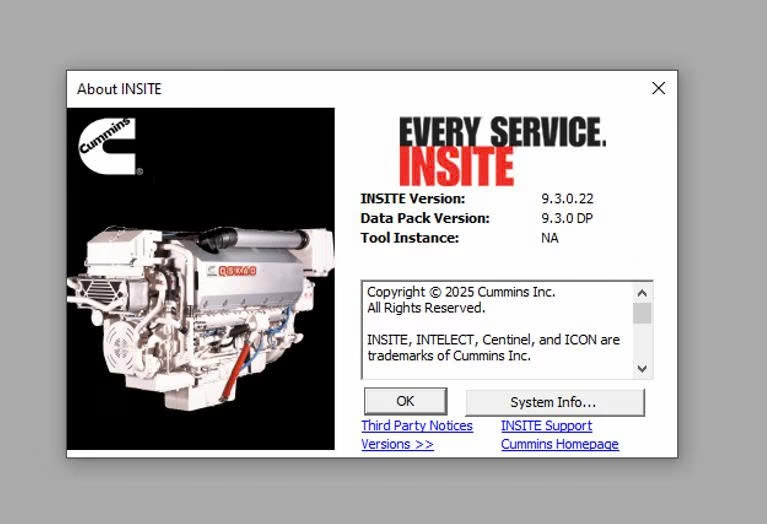
When a Cummins INSITE regeneration makes sense
Normally, a Cummins engine cleans its own filter while the truck drives. However, short trips, long idling and city work do not make the exhaust hot enough. As a result, soot builds up, and the dash shows a DPF lamp.
At that point, a parked regeneration from the dash switch often solves the problem. But when the switch will not start one, or the ECM asks for a service regen, you need INSITE. In addition, INSITE shows the soot load, the temperatures and any fault that blocks the regen. So you fix the cause, not only the symptom.
What you need before you start
- A Windows 10 or 11 Pro 64-bit laptop with the software installed and activated
- Cummins INSITE with a licence level that includes the aftertreatment service tests
- A supported RP1210 adapter, such as a NEXIQ USB-Link or a Noregon DLA, with the correct 9-pin or 16-pin cable
- Enough fuel in the tank, and the engine at normal operating temperature
- Parking brake set and the transmission in neutral
Safety comes first. Park outdoors on a hard surface, away from grass, fuel, paper and buildings, because the exhaust and the filter reach very high temperatures. Also, stay with the vehicle for the whole regeneration and keep people away from the exhaust outlet.
How to run a Cummins INSITE regeneration step by step
- First, connect the adapter to the diagnostic port and turn the key on.
- Next, open INSITE and connect to the engine ECM.
- Then check the fault codes. Fix any sensor or wiring fault first, because it can stop the test.
- After that, open the ECM diagnostic tests and choose the aftertreatment stationary (parked) regeneration test. The exact name changes a little between versions.
- Now read the conditions on the screen and confirm each one, for example parking brake on and pedal released.
- Start the test and watch the soot load and the outlet temperature.
- Finally, let the test finish on its own. It often takes 20 to 60 minutes.
When the test ends, check the soot load again and clear the stored codes. Then take a short drive and confirm that the DPF lamp stays off.
When a Cummins INSITE regeneration will not start
An active fault blocks it. For example, a failed temperature sensor or a DEF fault often stops the test. Therefore, read the codes and fix them first.
The soot load is too high. In that case, the ECM may refuse a regeneration to protect the filter from cracking. Instead, the filter needs removal and cleaning.
A condition is missing. Often the engine is still too cold, or the parking brake signal does not reach the ECM. So check the live data for each condition.
The test stops halfway. Usually a low fuel level, a driver input or a new fault ends it. Then read the reason, correct it and start again.
Get Cummins INSITE on your laptop
We install Cummins INSITE remotely on your own Windows laptop with TeamViewer or AnyDesk, and we test it before we finish. Each installation includes 12 months of support. Also, you get a full refund if we cannot make it work on the setup we confirmed with you; see our refund policy. For the maker’s own documents, visit the official Cummins website.
To see real installations first, watch our YouTube channel DIAGTECHPRO INSTALLATION. Then message us on WhatsApp at +84 963 975 864 or email di4gtechpro@gmail.com, and tell us the vehicle, the engine and your adapter.
Related guides on DiagTechPro
- Workshop-Requested DPF Regeneration: What to Check First
- Passive, Active and Parked DPF Regeneration
- DPF Problems: Causes, Diagnosis and Prevention
- Reading and Clearing Fault Codes with Cummins INSITE
Questions about Cummins INSITE regeneration
Is a Cummins INSITE regeneration the same as a forced regen?
Yes. Most technicians call the parked test a forced or service regen, because the tool starts it instead of the driving cycle.
How often should I need a parked regen?
Rarely. If a truck needs one every week, look for the cause, such as an injector fault, a leaking EGR cooler or too much idling.
Does INSITE Lite include the regeneration test?
Service tests depend on the licence level. Therefore, tell us the job you need, and we will confirm the right level before you pay.
