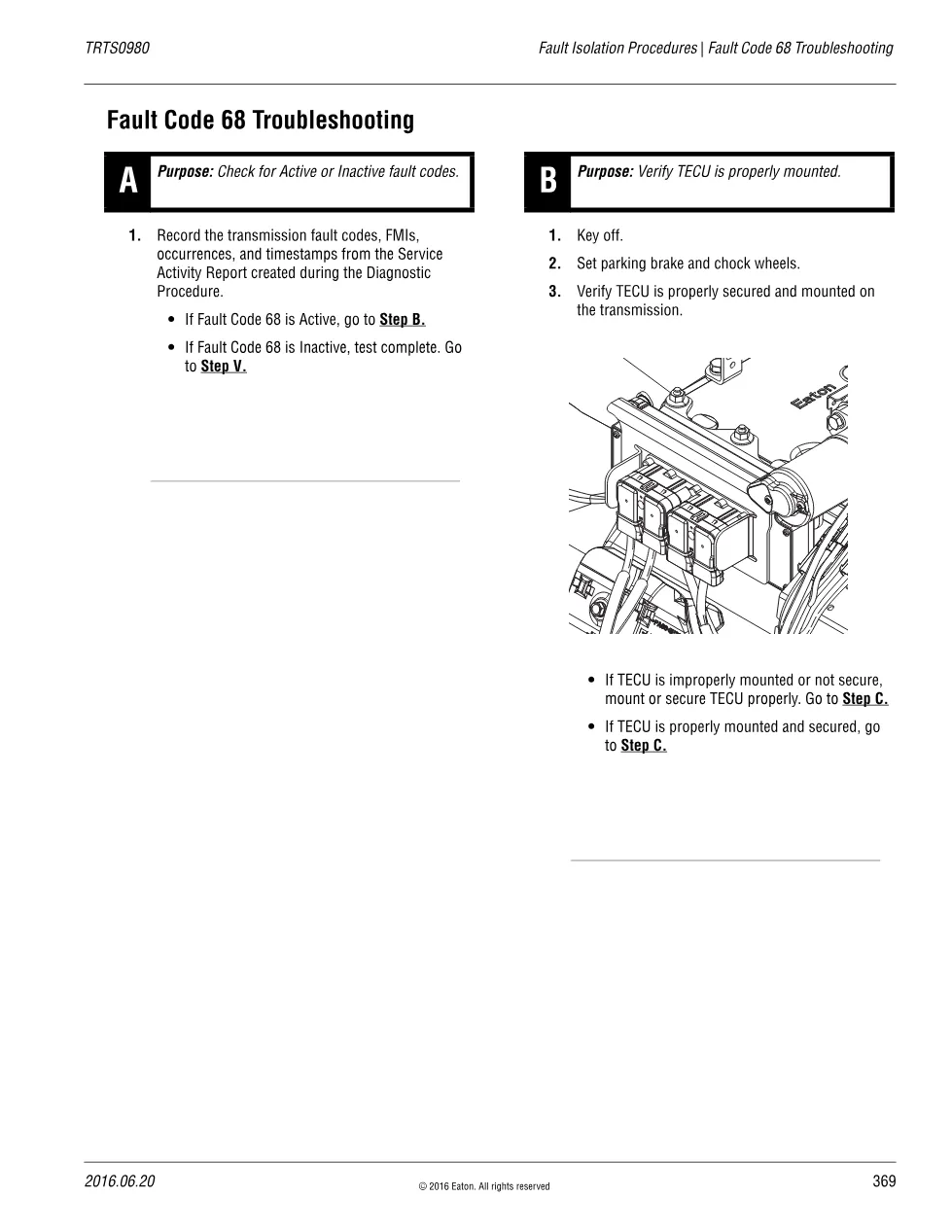
This Fault Code 68 troubleshooting guide is the official Eaton fault isolation procedure for a Grade Sensor problem on the Fuller Advantage Heavy Duty automated transmission. It confirms TECU mounting and walks the Grade Sensor Calibration routine in ServiceRanger.
Official document details
| Brand | Eaton |
| Model coverage | Fuller Advantage Heavy Duty automated transmission |
| System / group | Fuller Advantage Heavy Duty / DTCs — Diagnostic Trouble Codes |
| Publication no. | TRTS0980 |
| Revision | 2016.06.20 |
| Pages | 2 |
| File size | 0.27 MB |
| Format | |
| Language | English |
Fault Code 68 troubleshooting contents
The document is organised as a set of numbered fault isolation steps, each with a stated purpose and a clear go-to branch that sends the technician to the next step, a repair or the final verification. The main sections cover:
- Recording fault codes and confirming Active or Inactive status
- Verifying the TECU is properly mounted and secured on the transmission
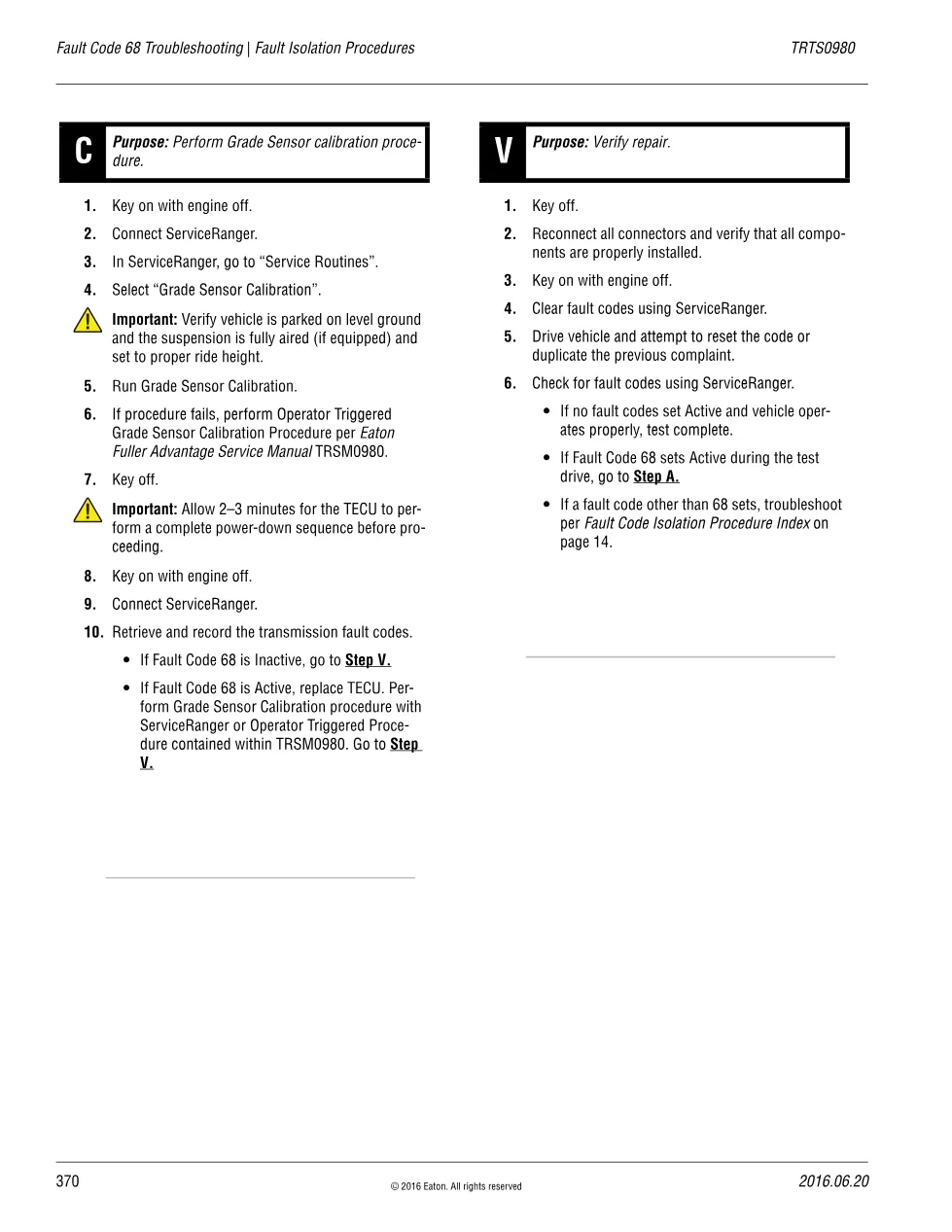
- Running the Grade Sensor Calibration routine in ServiceRanger
- Performing the Operator Triggered Grade Sensor Calibration per TRSM0980
- Replacing the TECU when the code remains Active
- Clearing codes, road-testing and verifying the repair
Applicable truck models
This Eaton fault isolation procedure applies to trucks fitted with the Fuller Advantage Heavy Duty automated manual transmission and its Transmission Electronic Control Unit (TECU), which houses the internal grade sensor. Every step is performed with ServiceRanger, the Eaton diagnostic software, and cross-referenced to the wider TRTS0980 Fault Isolation Procedures manual. Manufacturer background and current service literature are published on Eaton’s official transmission website.
Who needs the Fault Code 68 troubleshooting manual
Technicians seeing a grade-sensor complaint use this short Eaton procedure to confirm the TECU is seated correctly and to run calibration on level ground before condemning the control unit.
Because it is drawn straight from Eaton document TRTS0980, the page gives shop staff the same decision trees, connector pin references and pass-or-fail values the manufacturer uses, which shortens diagnosis time and supports accurate warranty documentation.
Related manuals library
The full 2-page PDF, published as Eaton document TRTS0980, is available in the DiagTechPro manuals library; a free account is required to download.
Sản phẩm liên quan cho hãng này
Cùng brand theo taxonomy hiện có trong catalog WooCommerce.