
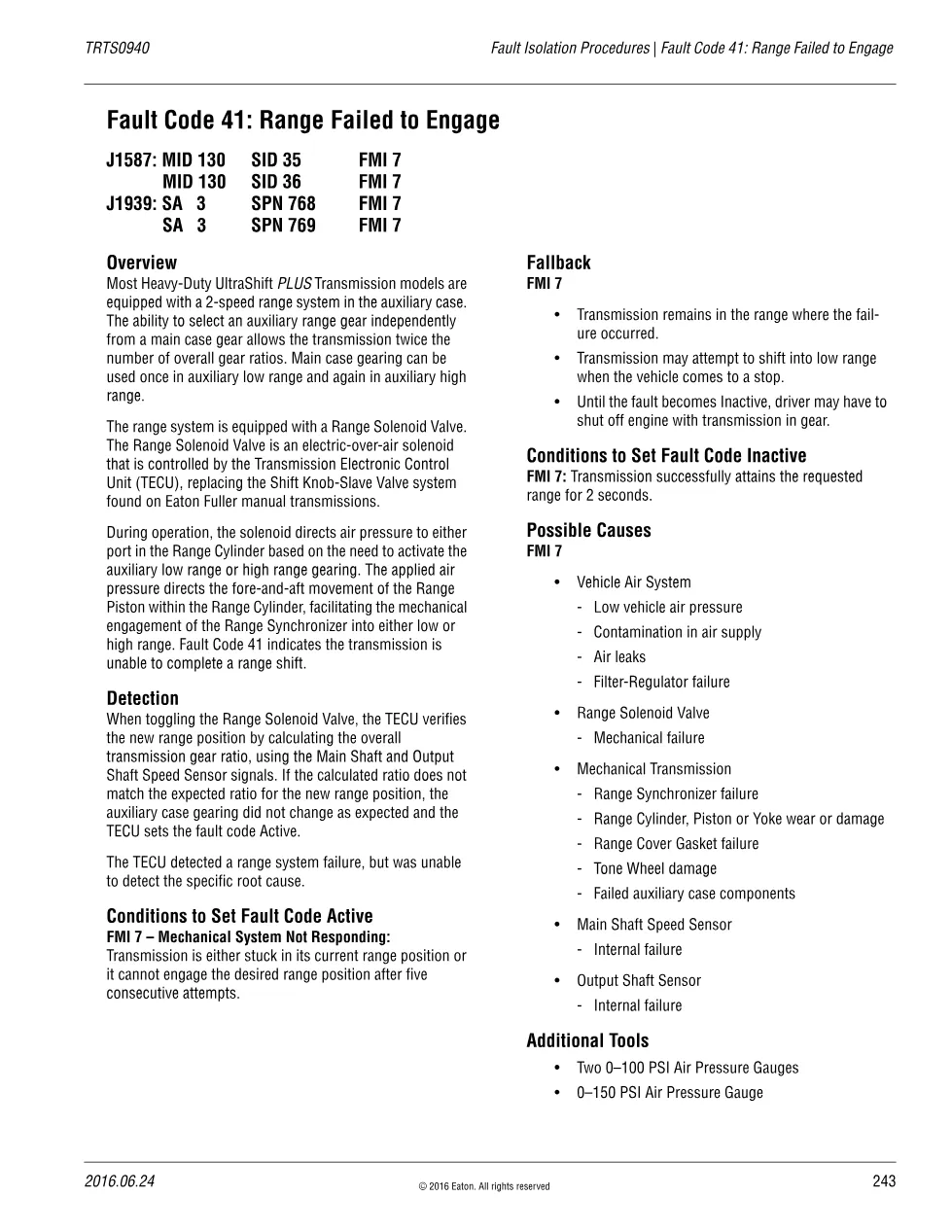
Eaton UltraShift fault 41 is an Eaton UltraShift PLUS diagnostic reference from Fault Code 41 – Range Failed to Engage.pdf. Match the source to the installed transmission before testing.
Official Eaton UltraShift fault 41 document details
| Manufacturer | Eaton |
| System | UltraShift PLUS |
| Fault code | 41 |
| Reference | Fault Code 41 – Range Failed to Engage.pdf |
| Pages | 3 |
Diagnostic preparation and application
Record the active fault and symptom before clearing data. Follow the source warnings and test order because related systems may use different circuits or procedures.
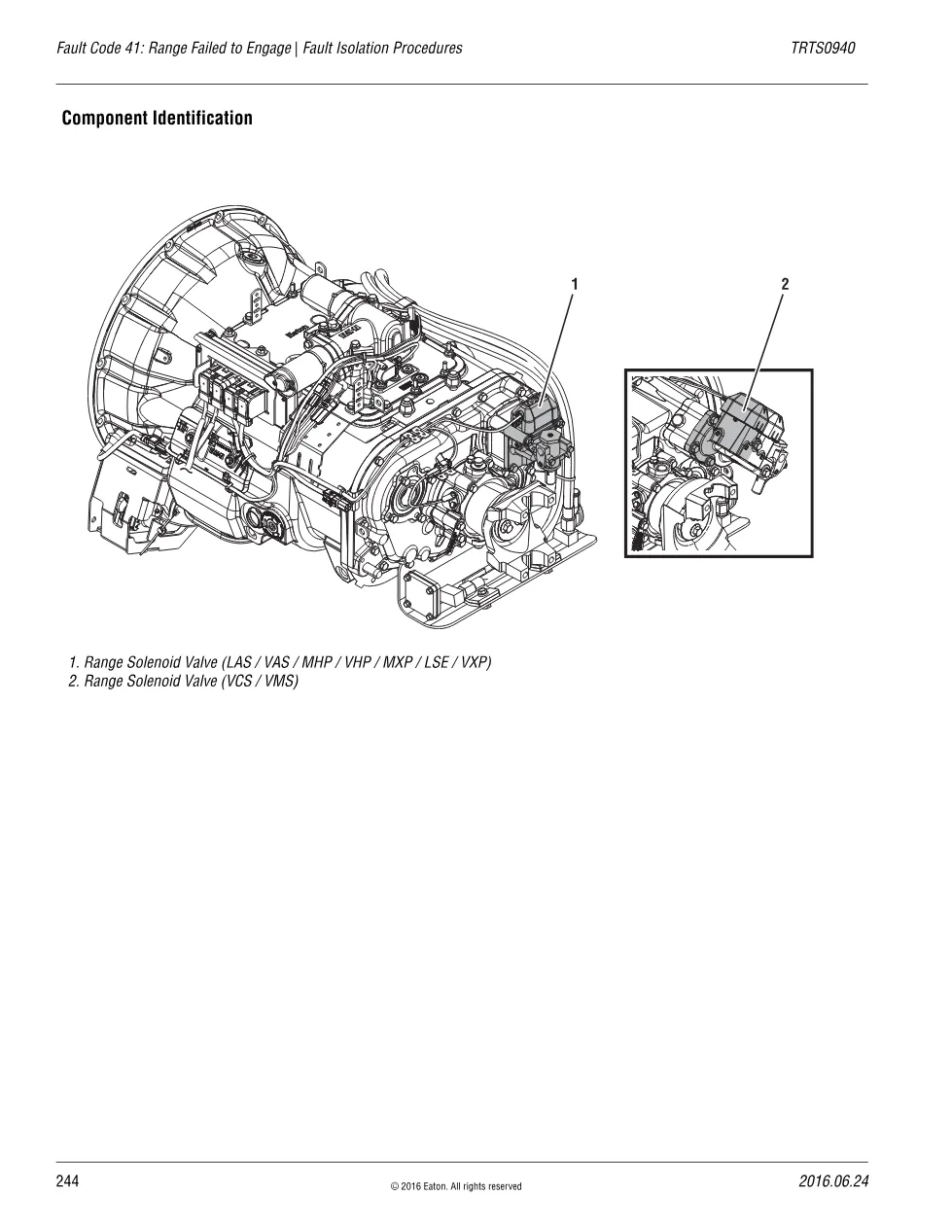
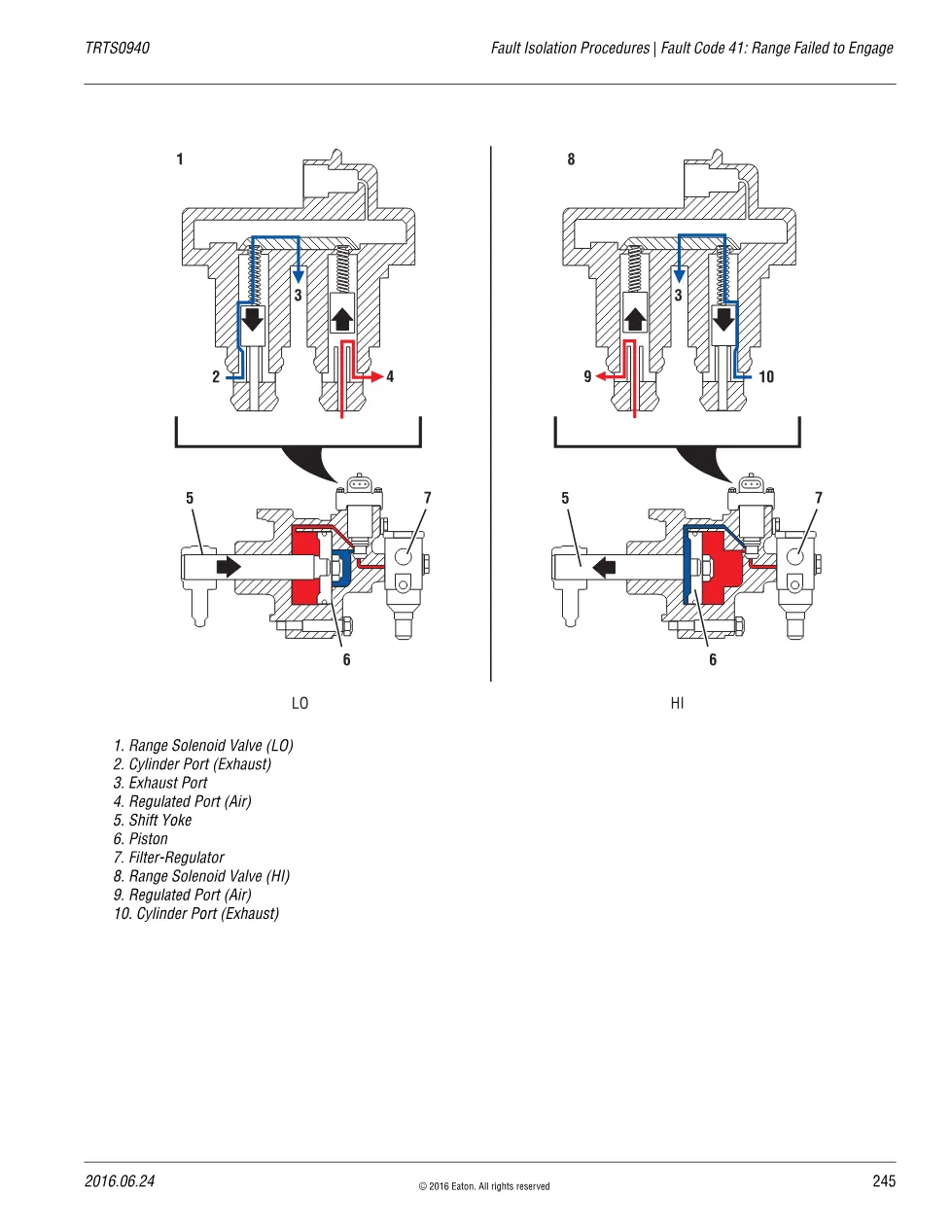
Using the UltraShift fault 41 reference
Use the printed measurements, connector labels, and inspection sequence. Confirm whether the fault is active or stored before replacing a component.
Verification after service
Restore connectors, repeat the required test, and confirm the symptom is resolved. Consult Eaton support for current resources.
Who needs this UltraShift fault 41 manual
This UltraShift fault 41 PDF provides a source-based diagnostic reference. The full file is in the DiagTechPro manuals library.
Related manuals library
Software for this brand
Diagnostic software for the same brand as this manual, installed remotely on your own laptop.