

Bendix ABS fault codes tell you why the ABS lamp is on in a truck or tractor with a Bendix braking system. With Bendix ACom Pro, you can read these codes, test the parts and clear the codes after the repair. This guide shows you how.
Why Bendix ABS fault codes matter
The ABS controller watches every wheel speed sensor and every modulator valve. When a sensor gap is too large or a wire breaks, it stores a code and lights the lamp. As a result, the ABS may not work on that wheel.
Because ABS is a safety system, you should fix the cause quickly. Moreover, a roadside inspection can put the vehicle out of service for an ABS fault. So ACom helps you find the exact wheel and part.
What you need before you start
- A Windows 10 or 11 Pro 64-bit laptop with the software installed and activated
- Bendix ACom Pro diagnostic software
- A supported RP1210 adapter, such as a NEXIQ USB-Link or a Noregon DLA, with the correct 9-pin or 16-pin cable
- Key on, with the batteries in good condition
- Wheels chocked and the parking brake set
Chock the wheels before any valve test, because the tests move air through the brakes.
How to read Bendix ABS fault codes with ACom
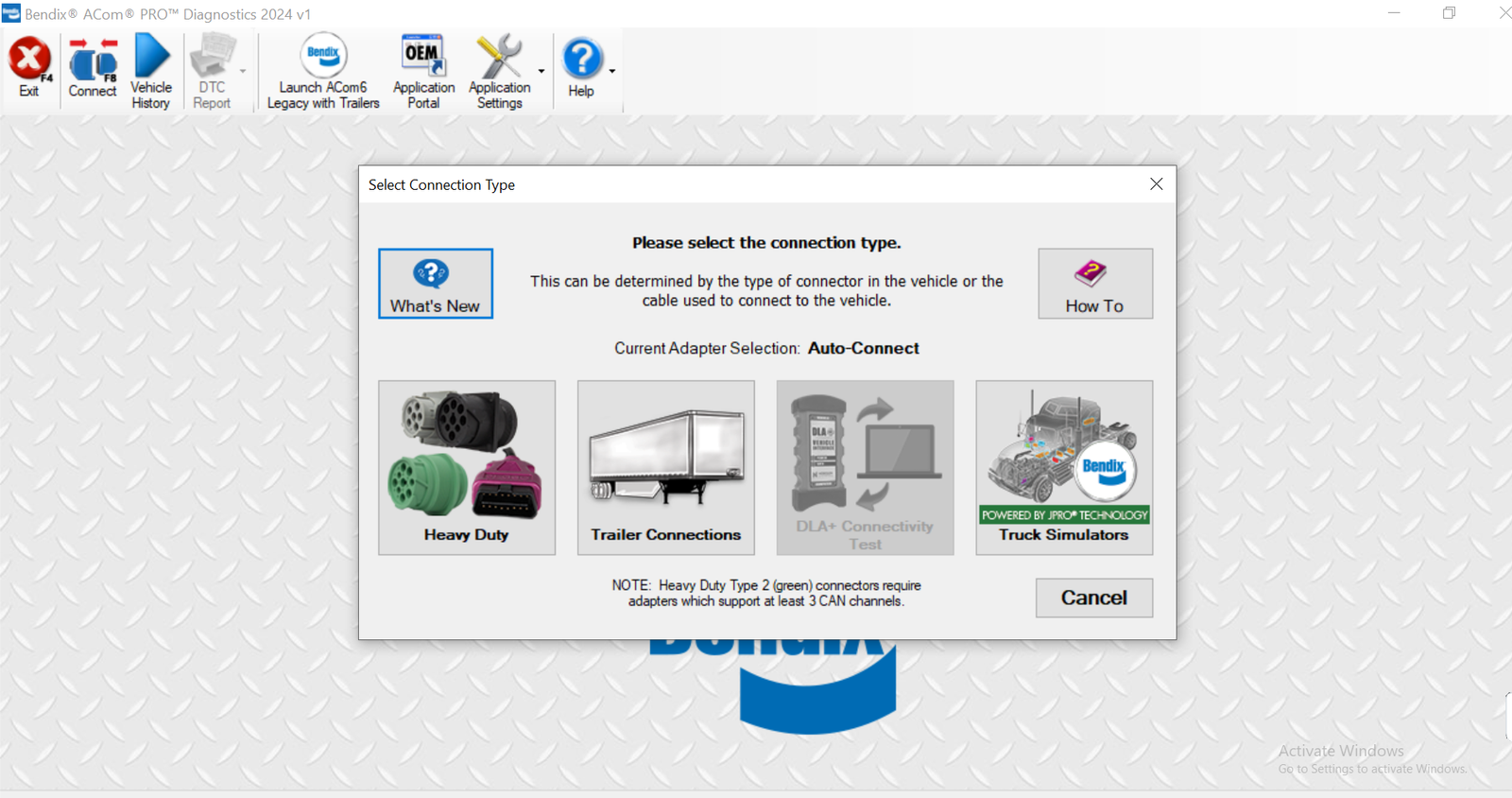
- First, connect the adapter to the diagnostic port and turn the key on.
- Then open ACom and select the ABS controller.
- Next, read the active and inactive codes.
- After that, open the details to see the wheel position and the part.
- Now use the component tests, for example the modulator test, to confirm the fault.
- Repair the sensor, the wire or the valve.
- Finally, clear the codes and drive the truck so the controller checks every sensor again.
After the test drive, check that the ABS lamp goes off and that no code returns. Above all, do not clear codes without a repair, because the lamp will come back.
Common causes of Bendix ABS fault codes
Sensor gap. A wheel speed sensor slides away from the tone ring. Then simply push it back against the ring.
Damaged wiring. For example, stones and road salt damage the sensor cables near the wheels.
Modulator faults. In that case, test the valve with ACom before you replace it.
Low voltage. Weak power to the controller sets many codes at once. Therefore, check the supply first.
Get Bendix ACom Diagnostics on your laptop
We install Bendix ACom Diagnostics remotely on your own Windows laptop with TeamViewer or AnyDesk, and we test it before we finish. Each installation includes 12 months of support. Also, you get a full refund if we cannot make it work on the setup we confirmed with you; see our refund policy. For the maker’s own documents, visit the official Bendix website.
To see real installations first, watch our YouTube channel DIAGTECHPRO INSTALLATION. Then message us on WhatsApp at +84 963 975 864 or email di4gtechpro@gmail.com, and tell us the vehicle, the engine and your adapter.
Related guides on DiagTechPro
- Reading and Clearing Fault Codes on Heavy-Duty Trucks
- Active and Stored Fault Codes: How to Use Both
- Bidirectional Controls and Active Diagnostic Tests
- Preparing a Laptop Connection to a Truck Diagnostic Port
Questions about Bendix ABS fault codes
Can I read Bendix ABS fault codes without ACom?
Many controllers give blink codes. However, ACom shows the full details and runs the tests.
Does ACom read trailer ABS?
ACom focuses on Bendix tractor systems. For trailers, use the tool of the trailer ABS maker.
Is the software installed remotely?
Yes. We install and test it on your laptop by TeamViewer or AnyDesk.
