

An Allison adaptive reset clears the shift adaptations that the transmission control module has learned. You run it with Allison DOC after certain repairs. Then the transmission relearns its shifts from the start, which often fixes harsh or late shifting.
When an Allison adaptive reset is needed
An Allison transmission keeps adjusting its clutch fill times as the clutches wear. That learning keeps the shifts smooth. However, after a rebuild, a new valve body or a new TCM, the old values no longer fit.
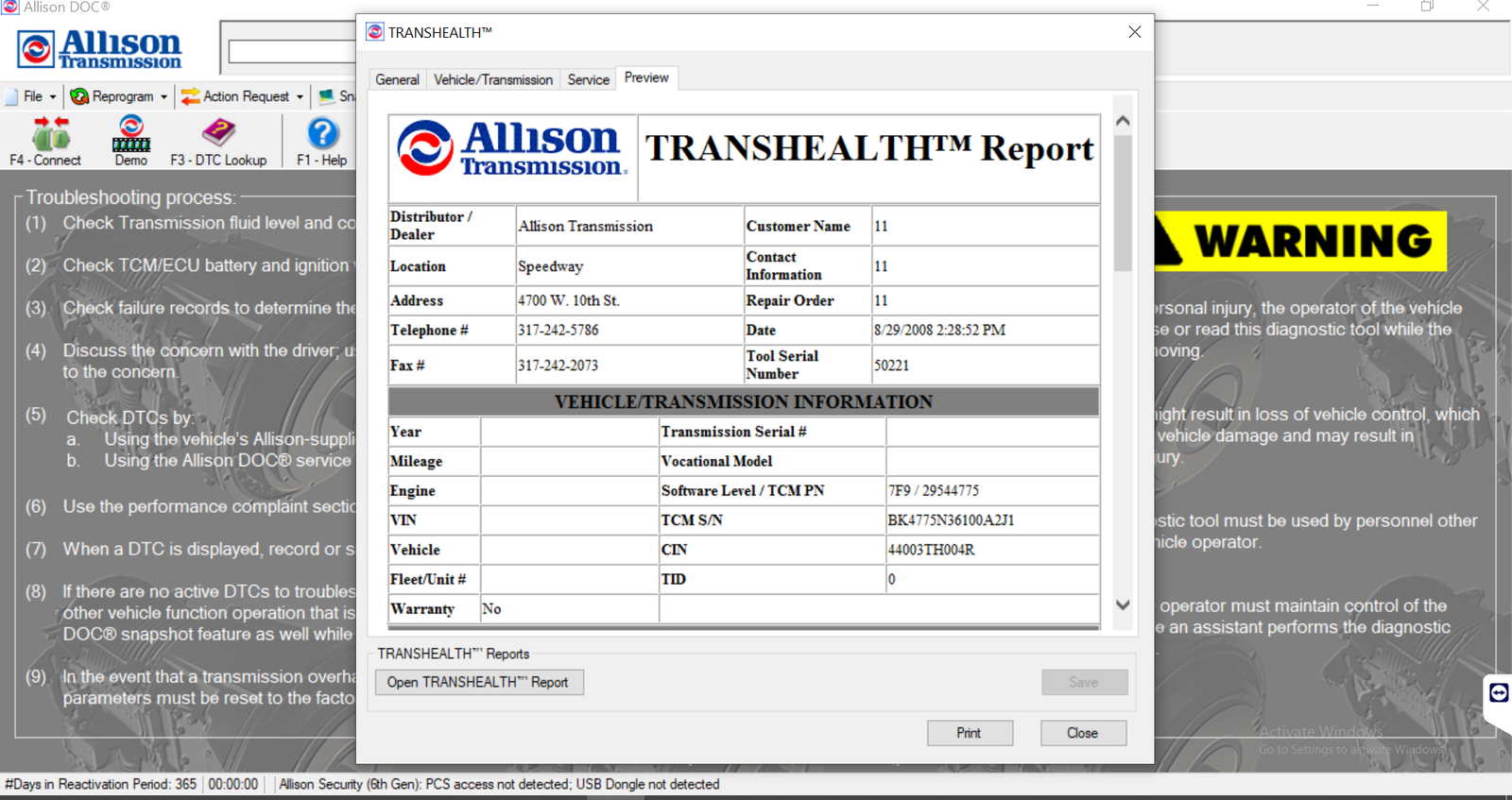
As a result, the shifts may feel harsh, slow or flared. In that case, an Allison adaptive reset lets the TCM start again from the base values. Also, Allison DOC shows the fluid temperature and the codes, so you can confirm that the problem is not mechanical first.
What you need before you start
- A Windows 10 or 11 Pro 64-bit laptop with the software installed and activated
- Allison DOC (Diagnostic Optimized Connection) with the action requests available
- A supported RP1210 adapter, such as a NEXIQ USB-Link or a Noregon DLA, with the correct 9-pin or 16-pin cable
- Transmission fluid at the correct level and at operating temperature
- No active transmission fault codes
Do this test with the vehicle parked, the parking brake on and the transmission in neutral. Then do the relearn drive on a safe road.
How to do an Allison adaptive reset
- First, check the fluid level, because a low level causes the same symptoms.
- Then connect the adapter and turn the key on.
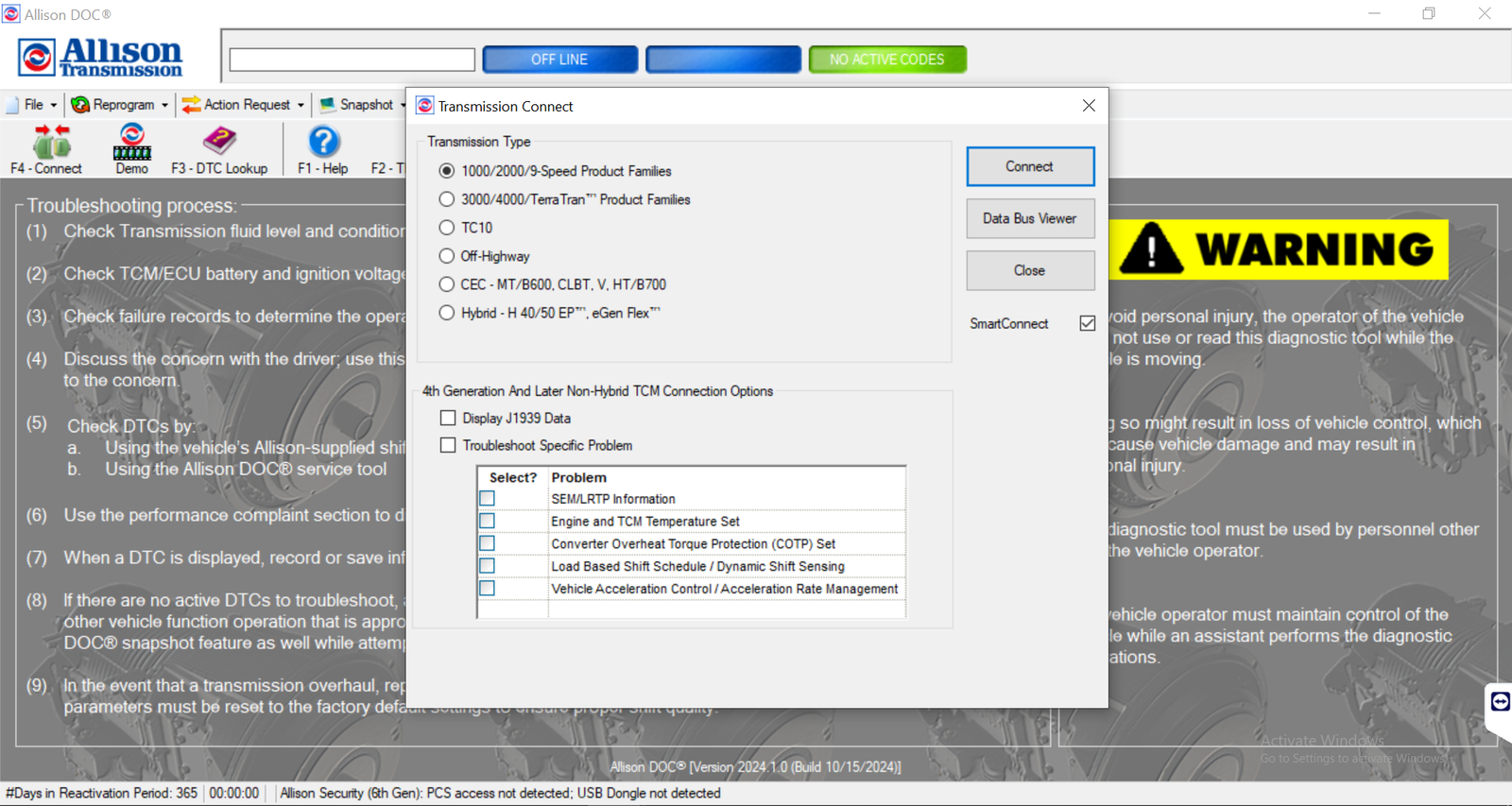
- Next, open Allison DOC and connect to the TCM.
- After that, read and fix any active fault codes.
- Now open the action requests and choose the reset of the shift adaptives.
- Confirm the request and wait for DOC to report success.
- Finally, turn the key off for the time that DOC asks, then start the engine again.
Afterwards, drive the vehicle through every gear many times, with light and medium throttle. This way, the TCM learns new values. The shifts may feel firm at first, which is normal.
When an Allison adaptive reset does not help
The shifts stay harsh. Check the fluid condition, the filters and the clutch pressures, because a mechanical fault cannot be reset away.
Codes return after the drive. For example, a solenoid or a speed sensor fault needs repair first.
DOC will not accept the request. Usually the conditions are wrong. So check neutral, the engine speed and the fluid temperature.
The TCM is a newer generation. In that case, you may need a newer DOC version. Therefore, confirm the version with us.
Get Allison DOC on your laptop
We install Allison DOC remotely on your own Windows laptop with TeamViewer or AnyDesk, and we test it before we finish. Each installation includes 12 months of support. Also, you get a full refund if we cannot make it work on the setup we confirmed with you; see our refund policy. For the maker’s own documents, visit the official Allison Transmission website.
To see real installations first, watch our YouTube channel DIAGTECHPRO INSTALLATION. Then message us on WhatsApp at +84 963 975 864 or email di4gtechpro@gmail.com, and tell us the vehicle, the engine and your adapter.
Related guides on DiagTechPro
- Allison DOC Software: Editions, Coverage & Requirements
- Read & Clear Allison Fault Codes (Allison DOC)
- Allison DOC: Live Data & Snapshot Guide
- How to Connect Allison DOC to Your Vehicle’s TCM
Questions about Allison adaptive reset
Does an Allison adaptive reset fix a slipping clutch?
No. It only clears the learned values. A slipping clutch needs a mechanical repair.
How long does the relearn take?
Usually a day or two of normal driving through all the gears.
Do I need Allison DOC for this?
Yes. Allison DOC is the factory tool that sends the reset request to the TCM.
