

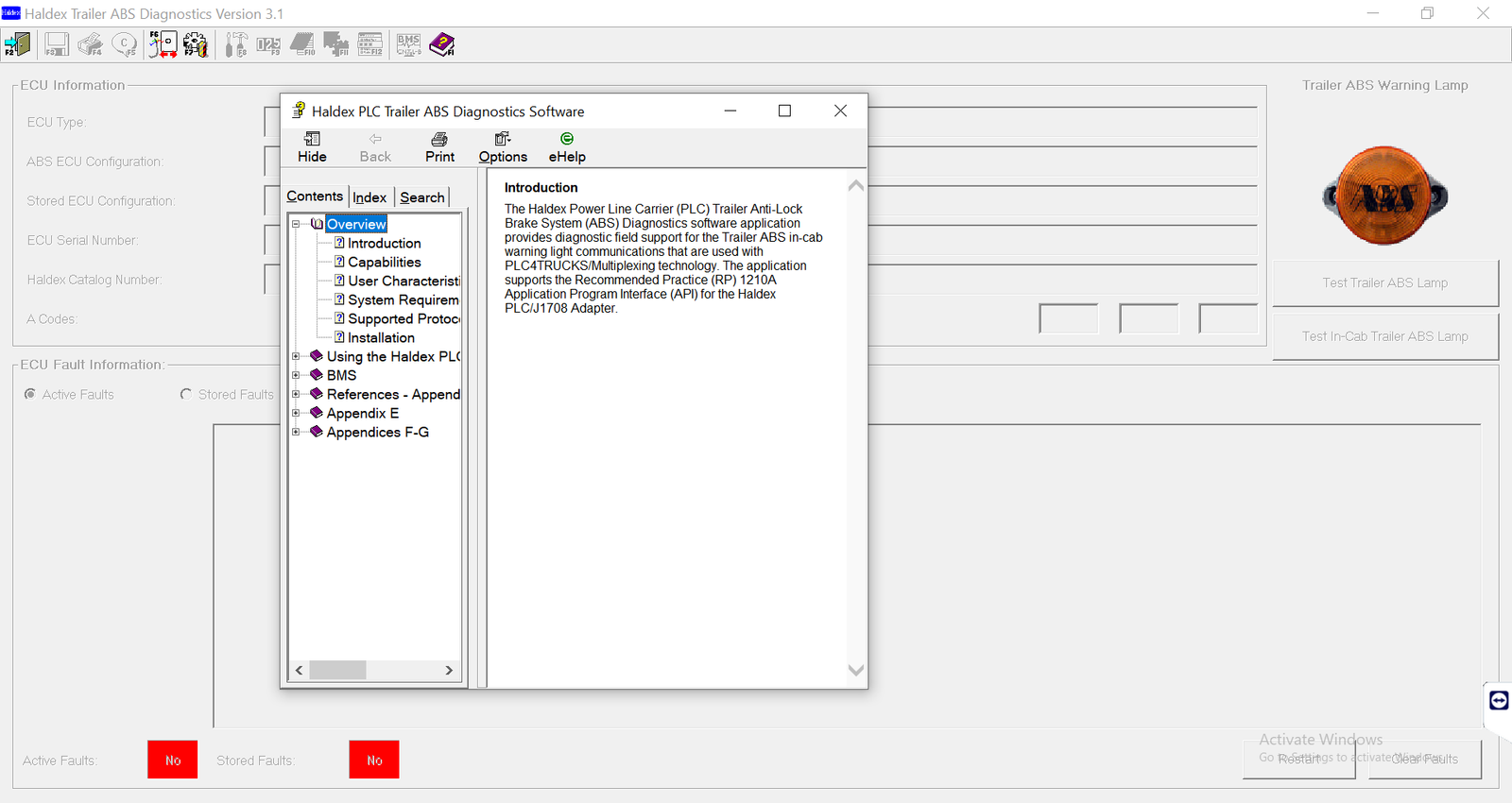
Haldex trailer ABS diagnostics means reading the fault codes and testing the parts of a Haldex trailer ABS or EB+ system. With the Haldex diagnostic software, you can find the faulty wheel sensor, cable or valve, and then clear the codes after the repair.
Why Haldex trailer ABS diagnostics matter
A Haldex trailer controller watches the wheel speed sensors and the modulator valve. When a part fails, it stores a code and turns on the trailer ABS lamp. As a result, the trailer may brake without ABS on one side.
Because the trailer controller is separate from the truck, a truck tool often cannot read it in full. Instead, the Haldex software talks to the trailer system and shows each fault in detail.
What you need before you start
- A Windows 10 or 11 Pro 64-bit laptop with the software installed and activated
- Haldex trailer ABS diagnostic software
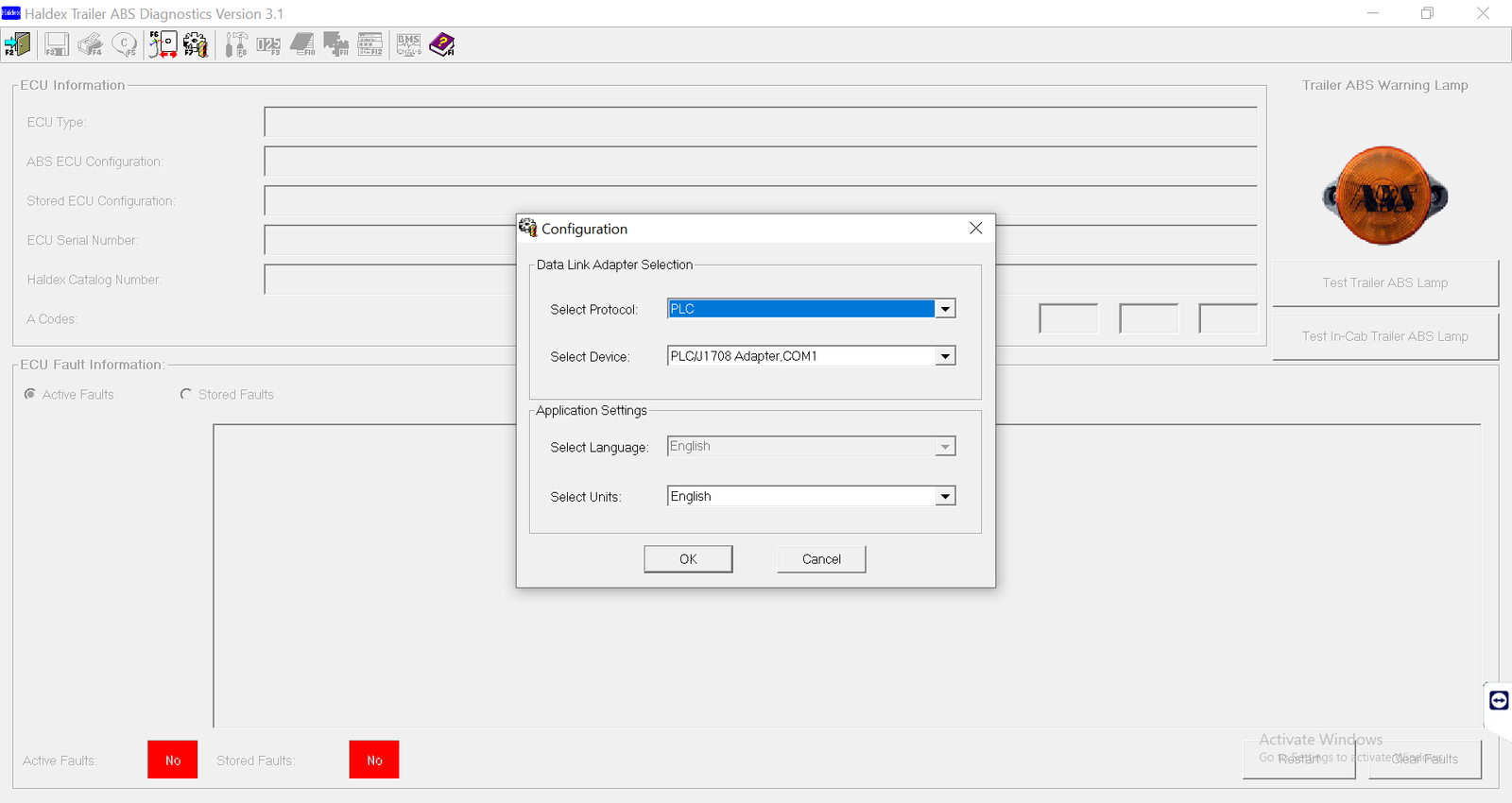
- A Haldex diagnostic interface, or another adapter we confirm
- Trailer powered from the truck or a bench supply
- Wheels chocked
Chock the wheels before any valve test, because the tests move air through the brakes.
Steps for Haldex trailer ABS diagnostics
- First, connect the interface to the trailer diagnostic connector.
- Then power the trailer system.
- Next, open the Haldex software and connect to the controller.
- After that, read the stored codes and their details.
- Now test the wheel sensors and the modulator valve.
- Repair the faulty part or cable.
- Finally, clear the codes and check the lamp at the next power-up.
After the repair, the ABS lamp should go off once the trailer moves a short distance. If it stays on, read the codes again.
Common faults found in Haldex trailer ABS diagnostics
Sensor gap. A sensor that moved away from the tone ring sets a code. Push it back and recheck.
Cable damage. For example, a cable rubbing on the axle breaks over time.
Power supply. A weak supply through the trailer plug sets voltage codes. Therefore, check the plug and the cable first.
Valve faults. In that case, test the modulator before you replace it.
Get Haldex Trailer ABS Diag on your laptop
We install Haldex Trailer ABS Diag remotely on your own Windows laptop with TeamViewer or AnyDesk, and we test it before we finish. Each installation includes 12 months of support. Also, you get a full refund if we cannot make it work on the setup we confirmed with you; see our refund policy. For the maker’s own documents, visit the official Haldex website.
To see real installations first, watch our YouTube channel DIAGTECHPRO INSTALLATION. Then message us on WhatsApp at +84 963 975 864 or email di4gtechpro@gmail.com, and tell us the vehicle, the engine and your adapter.
Related guides on DiagTechPro
- WABCO TOOLBOX PLUS: Truck & Trailer Brake Diagnostics
- Reading and Clearing Fault Codes on Heavy-Duty Trucks
- Active and Stored Fault Codes: How to Use Both
- Preparing a Laptop Connection to a Truck Diagnostic Port
Questions about Haldex trailer ABS diagnostics
Which Haldex systems does the software read?
It reads Haldex trailer ABS and EB+ systems. Tell us the trailer, and we will confirm.
Can I use a truck tool instead?
Sometimes through the power line, but with far less detail.
Is support included?
Yes. Every installation includes 12 months of support.
