
A diesel engine is a diesel engine — but diagnosing a highway tractor and diagnosing an excavator are not the same job. The bus you connect to is largely shared; the connector, the adapter, the software and the systems that actually fail are not. If you take in both kinds of work, here is what changes.
Same backbone, different edges
Off-highway equipment does not speak a foreign language. J1939 over CAN is the common backbone on both sides, so the core network you are diagnosing on a construction machine is the same standard you already know from trucks. What off-highway adds is everything at the edges: OEM-specific connectors, proprietary parameters that only the manufacturer’s software can interpret, and some legacy protocols still in service — Caterpillar’s CAT Data Link being the one you will meet most often.
Connectors and bus speeds
On the truck side the ports are standardised, but not identical. The classic black 9-pin Deutsch is J1939 Type I running at 250 kbps; the newer green 9-pin is Type II at 500 kbps; the older 6-pin Deutsch carries J1708/J1587; and newer on-highway trucks increasingly use a 16-pin OBD connector. Your cable and adapter have to match both the port and the bus speed — a green-port machine will not talk through a Type I-only setup.
Off-highway the variety widens further: ports differ by manufacturer and often by model line, so cable sets matter more and interfaces rarely transfer between ecosystems.
The adapter decides what you can actually reach
This is the detail most comparisons skip, and the one that costs money: each ecosystem expects its own communication hardware.
On-highway: RP1210 and J2534 adapters
All-makes truck software runs on standard RP1210 (and increasingly J2534) interfaces — the NEXIQ USB-Link family and the Dearborn DPA5 are the two you will see in most shops. One adapter typically serves several truck applications, so the on-highway side consolidates well. Software such as NEXIQ e-Technician is built for exactly that mixed-fleet reality: broad heavy-duty coverage plus bidirectional testing in one application.
CAT and Perkins: the CA3 over CAT Data Link
Caterpillar ET and Perkins EST both use the CAT Communication Adapter 3, which handles CAT Data Link alongside the standard buses. That overlap is useful to know before you buy: Perkins is a Caterpillar subsidiary and EST is built on the same platform as CAT ET, so a single CA3 covers both engine families rather than needing two interfaces.
Bobcat: a Bobcat-approved USB-to-CAN interface
Bobcat Service Analyzer expects a Bobcat-approved USB-to-CAN interface. A truck RP1210 adapter will not stand in for it, and that is the general rule off-highway — plan the interface with the software, not after it.
The systems you diagnose are different
Truck work concentrates on engine, aftertreatment, brakes and transmission. Off-highway adds hydraulics, implement and attachment controls, drive and steering systems, and machine-specific safety interlocks. A machine that will not lift or steer correctly may have nothing wrong with its engine at all — and engine-only software will not find it.
This is why the software identity matters. Bobcat Service Analyzer is a whole-machine tool, not an engine scanner: it covers drive, hydraulic and attachment controls, performs guided calibrations, and handles controller software updates. Buying an engine-scope tool for a machine whose fault lives in the hydraulics is the most common and most expensive mismatch in this category.
Calibrations and bidirectional tests, not just code reading
On a truck, reading codes gets you a long way. Off-highway, a large share of the work is procedural: drive and steering calibrations, hydraulic, joystick and AHC calibrations, lift and tilt setup, and bidirectional actuator tests to confirm which end of a circuit has failed. Service Analyzer performs exactly these functions. If a tool cannot command an actuator and cannot run a guided calibration, it will read the fault but will not let you finish the repair.
Aftertreatment is no longer a truck-only concern
Older comparisons frame DPF and DEF as highway problems. That is out of date. Modern off-highway machines are built to Tier 4 Final and EU Stage V and carry DPF plus SCR/DEF aftertreatment, so parked and forced regeneration, DEF quality diagnostics and related derates apply to construction and agricultural equipment as well. If you service Tier 4 Final machines, assume you need regeneration capability on the equipment side too.
Documentation carries more weight off-highway
On a truck, an experienced technician can often work from familiarity. On a specific model of excavator or telehandler, the schematic, the torque spec and the correct procedure are frequently the only route to a result. That is why a service information system such as CAT SIS — documentation and parts information, not a live diagnostic tool — sits alongside CAT ET rather than replacing it. The two do different jobs and most CAT work needs both.
Access and licensing differ
Truck diagnostic software is widely available through established channels. Off-highway is more fragmented: coverage splits across manufacturers, licensing varies, and some systems are tied to specific hardware. Plan around the machines you service, not on one platform covering everything.
Practical differences in the field
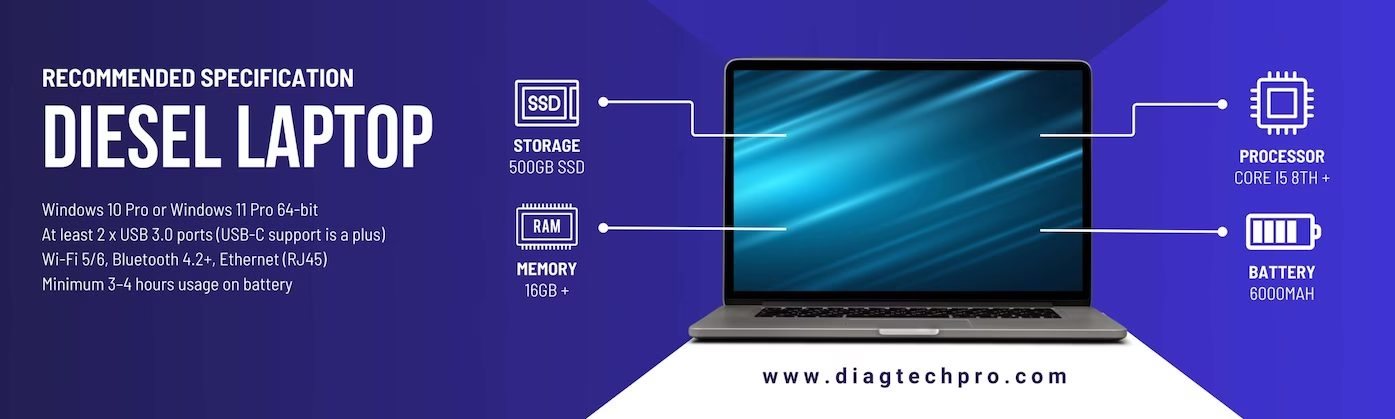
- Machines are often diagnosed on site rather than in a workshop, so laptop portability and battery life matter.
- Ports and cable sets vary far more than the standardised truck connectors.
- Hour meters replace odometers as the service reference for maintenance intervals.
Building a toolkit that covers both
Keep the truck side and the equipment side of your toolkit distinct. All-makes truck software plus an RP1210 adapter handles the highway work; the equipment side is bought machine by machine, with the correct interface for each. Be honest about which machines you can finish work on — equipment you cannot fully diagnose ties up bays for longer than the job is worth.
At DiagTechPro we supply professional diesel diagnostic software with a remote install and setup service over TeamViewer, so the software and its adapter drivers are configured and working before you connect to a machine. Browse our full range of diagnostic tools to cover both sides of the shop.
Leave a Reply