Description
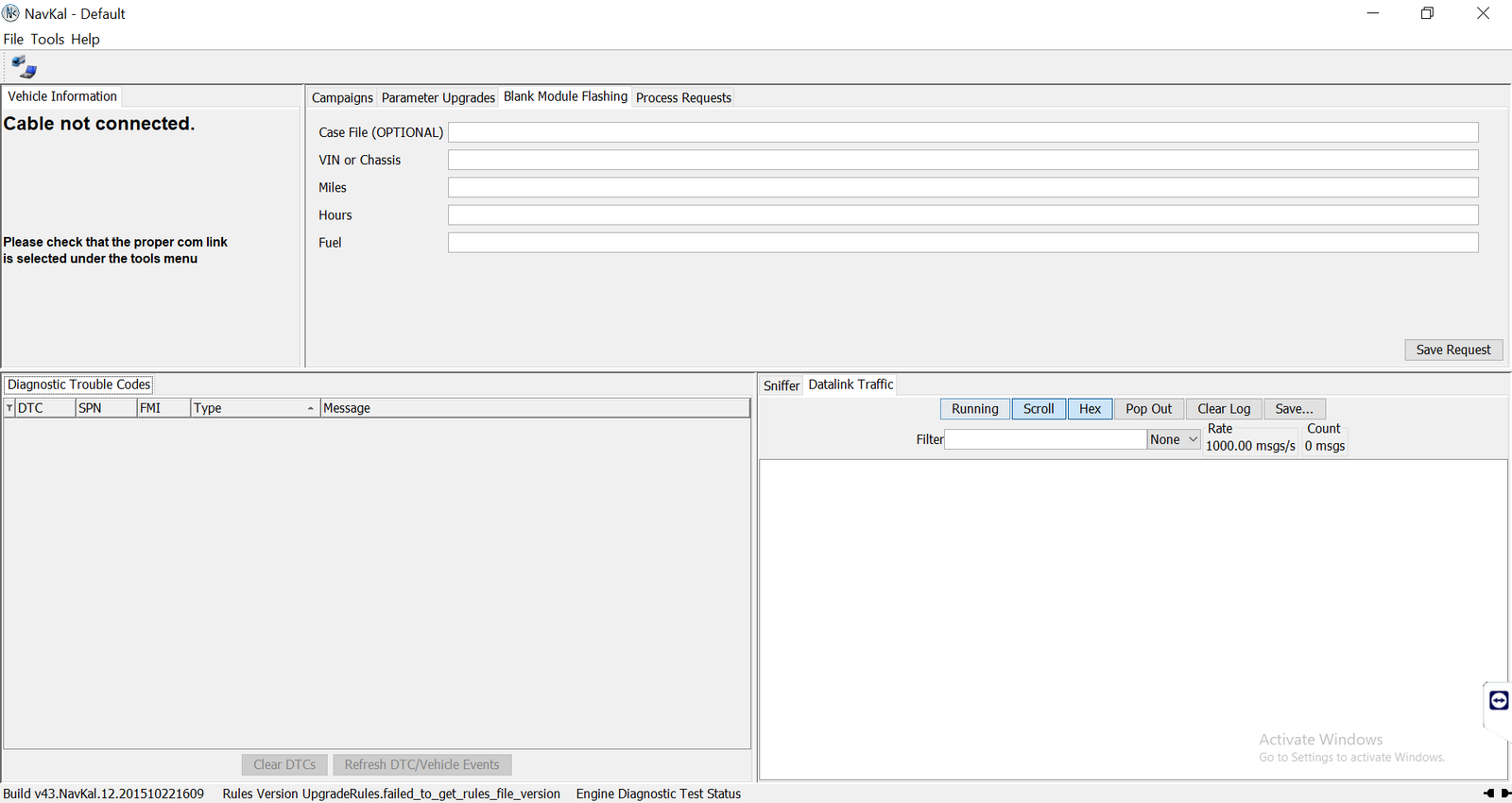
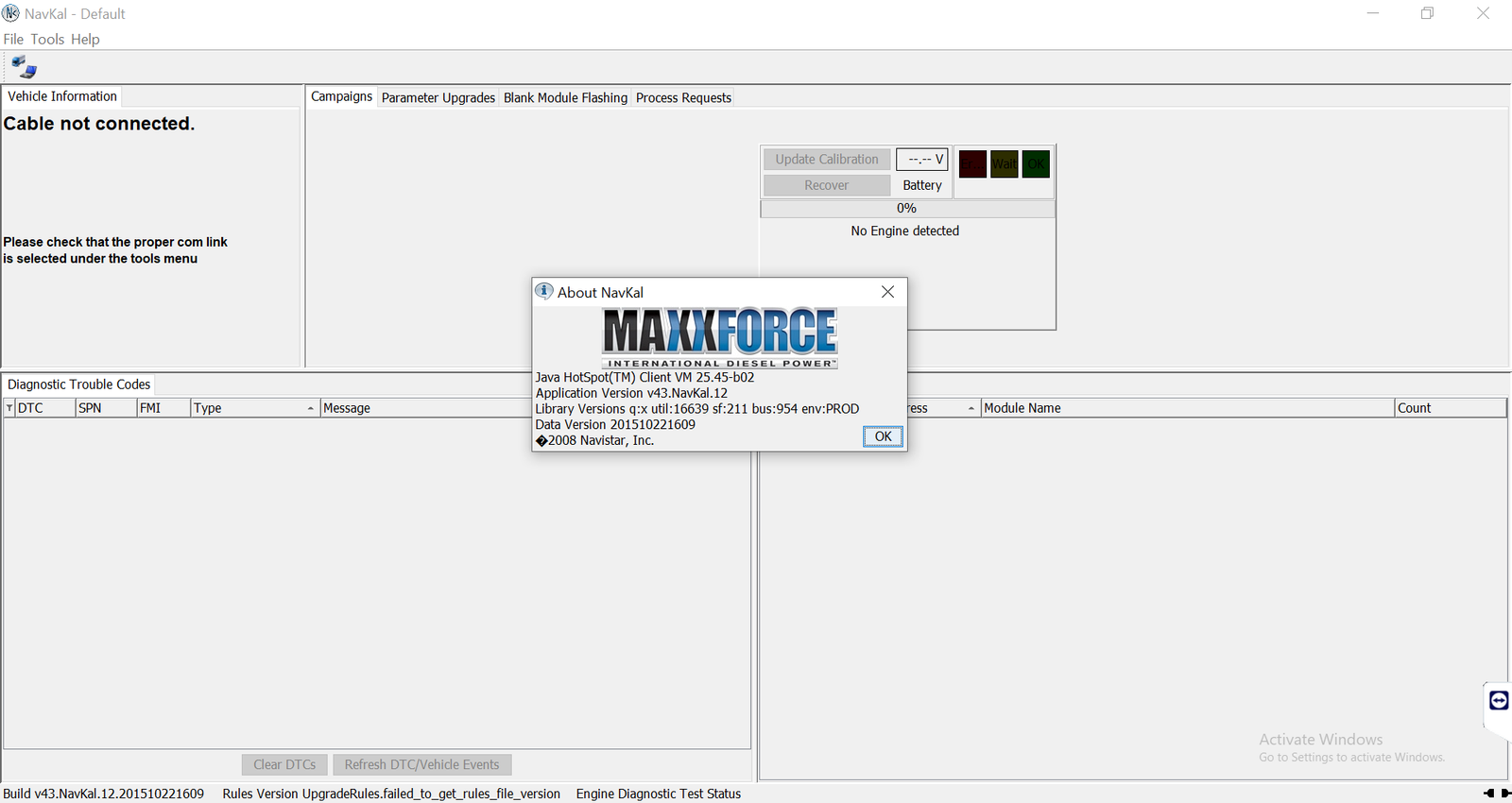
Navkal offline is the standalone edition of NavKal, the Navistar program that checks module software and applies compatible calibration updates to International and Navistar control modules.
What Navkal offline does for your workshop
NavKal compares the software in a module with the available calibration and then programs the update. This offline edition works without the normal online session, which helps in workshops with weak internet.
- Read module software and calibration information
- Apply compatible calibration updates to supported modules
- Standalone edition that works offline
- Remote installation and 12 months of support
For example, a technician updates an engine module after a replacement, or applies a calibration that fixes a known complaint.
About Navistar and its service software
Navistar is the North American maker of International trucks, IC buses and the MaxxForce and International engines. Since 2021 it belongs to the TRATON group. Navistar vehicles use several electronic controllers, so the brand has separate PC tools for engines, body electrics and module programming. You can see every Navistar title we install on the Navistar software page. For the maker’s own information, visit the official International Trucks website.
Navkal offline system requirements
Before you order, please check that your laptop meets these requirements. In short, a recent business laptop is enough, but an old or very slow computer will not run the software well.
- Windows 10 or Windows 11 Pro, 64-bit
- Intel Core i5 8th generation or newer (or a similar AMD processor)
- 8 GB of RAM or more
- SSD drive with at least 250 GB of free space; we install the software on drive C
- An RP1210 adapter such as a genuine NEXIQ USB-Link 2 or 3, or a Noregon DLA+ 2.0
- Internet access during the remote installation only; afterwards the software works offline
Not sure about your laptop or adapter? Send us its details before payment, and we will check it first. If we think the computer is too weak, we will tell you before you pay.
How we install Navkal offline for you
Installation is fully remote. First, you complete the order and pay by PayPal at checkout. Next, a technician contacts you by WhatsApp or email to set a time. Then we connect to your laptop with TeamViewer or AnyDesk, install the software, activate it and check that it opens correctly. A single program is usually ready the same day; a full pack can take several hours, depending on your internet speed.
Please keep the laptop plugged into its charger during the session. One licence covers one computer, so a second laptop needs a second installation. After the installation, do not update Windows or the software, because an update can break the activation.
Want to see how it works first? Watch real remote installations on our YouTube channel DIAGTECHPRO INSTALLATION.
Support, warranty and refund policy
Every installation comes with 12 months of support from the installation date. During that time, we reconnect and fix the program if it stops working. However, the warranty ends if you reset or reinstall Windows, or if you update Windows or the software.
Because we deliver the software digitally, you cannot return it like a physical product. You receive a full refund if you cancel before the installation starts, or if our technician cannot make the software work on the setup we confirmed with you in writing. However, we do not refund a change of mind after a working installation. Read the full refund and return policy and the delivery page for every detail.
Contact DiagTechPro before you buy
We are happy to answer questions first. Tell us the vehicle or machine, the engine or controller and your adapter, and we will confirm the right version.
- WhatsApp: +84 963 975 864
- Email: di4gtechpro@gmail.com
- YouTube: DIAGTECHPRO INSTALLATION videos
- Website: diagtechpro.com and our contact page
We work from Vietnam, so our day runs about half a day ahead of US time. Even so, someone usually answers in the evening too.
Related software you may also need
- Navistar NED – engine diagnostics
- Diamond Logic Builder – body controller
Questions about Navkal offline
What is the difference between NavKal and Navkal offline?
The offline edition works without the online session.
Does it diagnose faults?
No. Use NED or ServiceMaxx for diagnosis.
Can you confirm my module first?
Yes, send us the module details before payment.