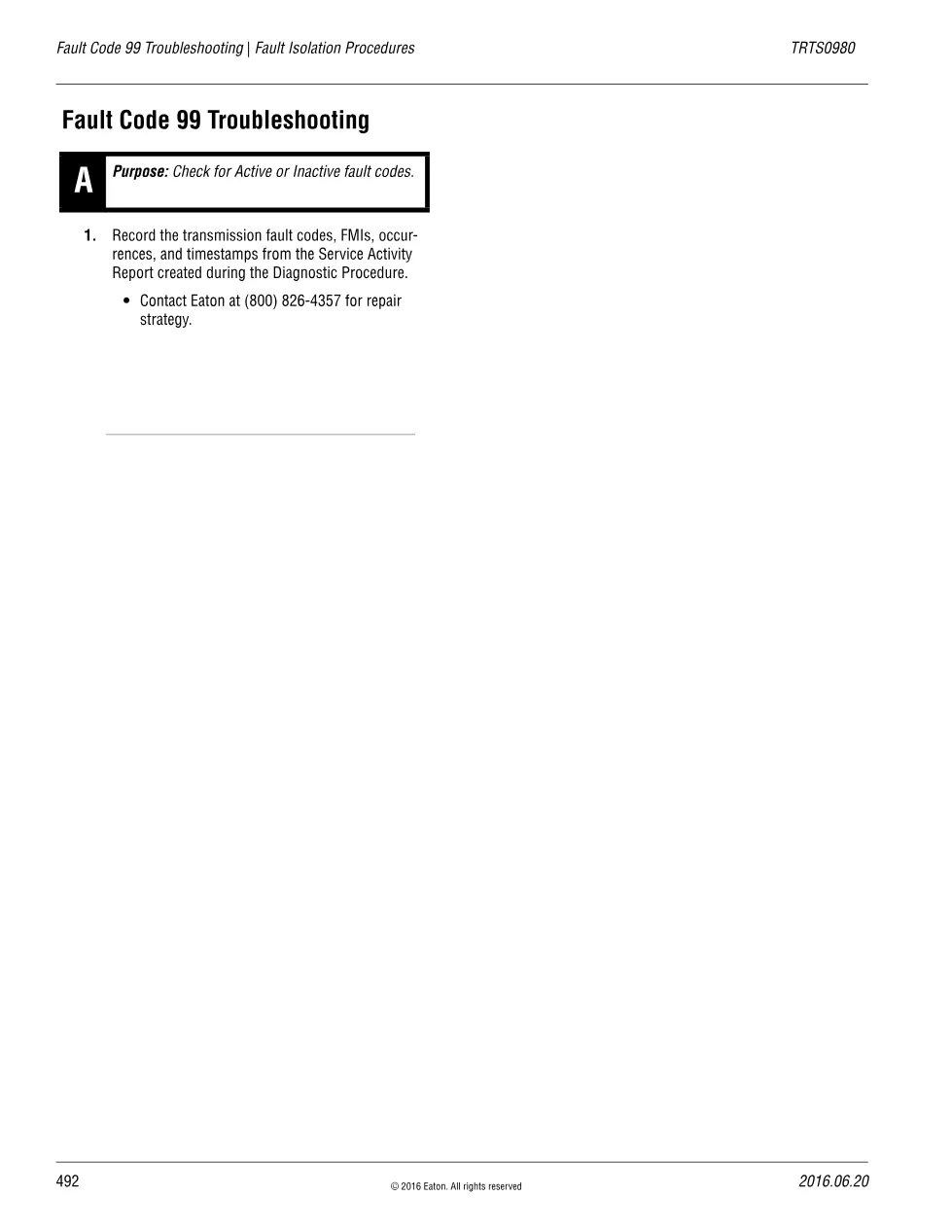
This fault code 99 troubleshooting sheet is the Eaton isolation step for the Direction Mismatch DTC on the Fuller Advantage transmission, telling the technician to record the fault data and contact Eaton for a repair strategy. It is part of Eaton publication TRTS0980, Fault Isolation Procedures, and is a single-step Step A reference used with the Fault Code 99 Direction Mismatch overview.
Fault code 99 troubleshooting document details
| Brand | Eaton |
|---|---|
| Model coverage | Fuller Advantage Heavy Duty automated transmission |
| System / Group | DTCs — X-Y Shifter |
| Publication no. | TRTS0980 |
| Year / Revision | 2016.06.20 |
| Pages | 1 |
| File size | 0.03 MB |
| Format | |
| Language | English |
Document table of contents
- Step A: Check for Active or Inactive fault codes
- Record transmission fault codes, FMIs, occurrences and timestamps
- Reference the Service Activity Report from the Diagnostic Procedure
- Contact Eaton at (800) 826-4357 for repair strategy
The instruction records the transmission fault codes, FMIs, occurrences and timestamps from the Service Activity Report created during the Diagnostic Procedure. Because Direction Mismatch can only be detected when the TECU and X-Y position sensors are healthy, Eaton routes this code to a phone-supported repair strategy rather than a long pin-out sequence. The sheet closes at Step A with the manufacturer contact number.
Applicable truck models
This applies to Eaton Fuller Advantage Heavy Duty transmissions that set Fault Code 99. It is read together with the Direction Mismatch overview, which lists SPN 781 FMI 14 and the X-Y Shifter, Gear Position Sensor and Rail Position Sensor as possible causes. For current contact details and model coverage, check the manufacturer on the Eaton official website.
Who needs this code 99 troubleshooting guide
Driveline technicians who have confirmed a Direction Mismatch and need Eaton’s documented next step, including the correct fault-data record and support contact, before disassembly rely on this one-page reference.
The full PDF is available in the DiagTechPro manuals library; a free account is required to download.
Related manuals library
Sản phẩm liên quan cho hãng này
Cùng brand theo taxonomy hiện có trong catalog WooCommerce.