

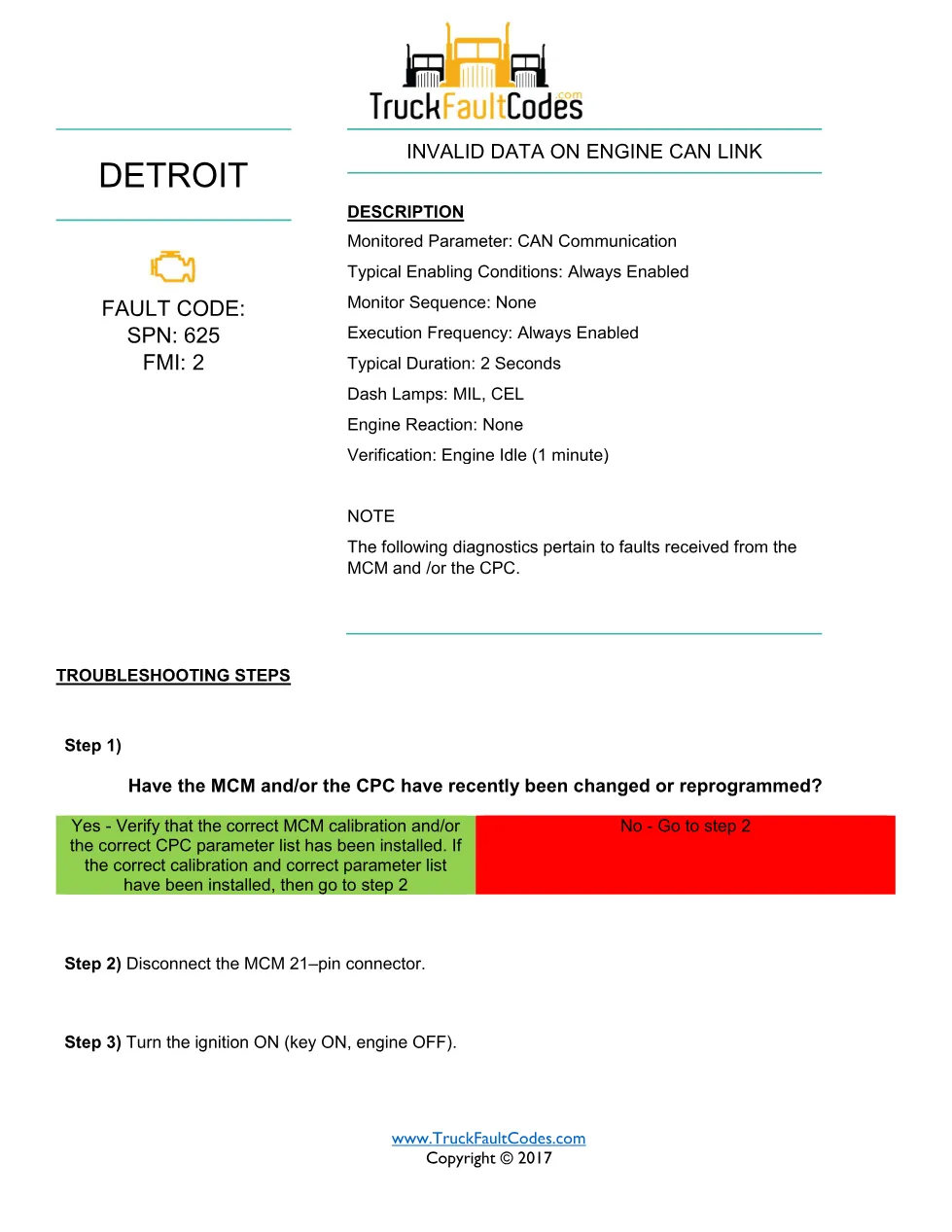
Detroit MCM SPN 625 is the Detroit DD Series diagnostic fault-code sheet (SPN 625 / FMI 2) that documents invalid data on the engine CAN link received from the MCM and/or the CPC. This 3-page PDF, drawn from the Detroit / Detroit Diesel Corporation (DDC) troubleshooting reference (© 2017), gives the workshop the exact measured checks needed to confirm and repair the fault rather than guess at it.
Detroit MCM SPN 625 document details
| Brand | Detroit (Detroit Diesel Corporation) |
| Model coverage | DD Series (EPA 2007-Current); Series 60 (DDEC VI, EPA 2007) |
| System / Group | Diagnostic Trouble Codes (DTCs) – SPN 625 / FMI 2 |
| Source | Detroit / DDC diagnostic troubleshooting reference |
| Year / Revision | © 2017 |
| Pages | 3 |
| File size | 0.23 MB |
| Format | |
| Language | English |
Document table of contents
- Fault code definition (SPN 625, FMI 2)
- Description and monitored parameters
- Diagnostic note
- Troubleshooting steps
- MCM 21-pin connector checks
- Calibration and parameter verification
Fault definition and diagnosis
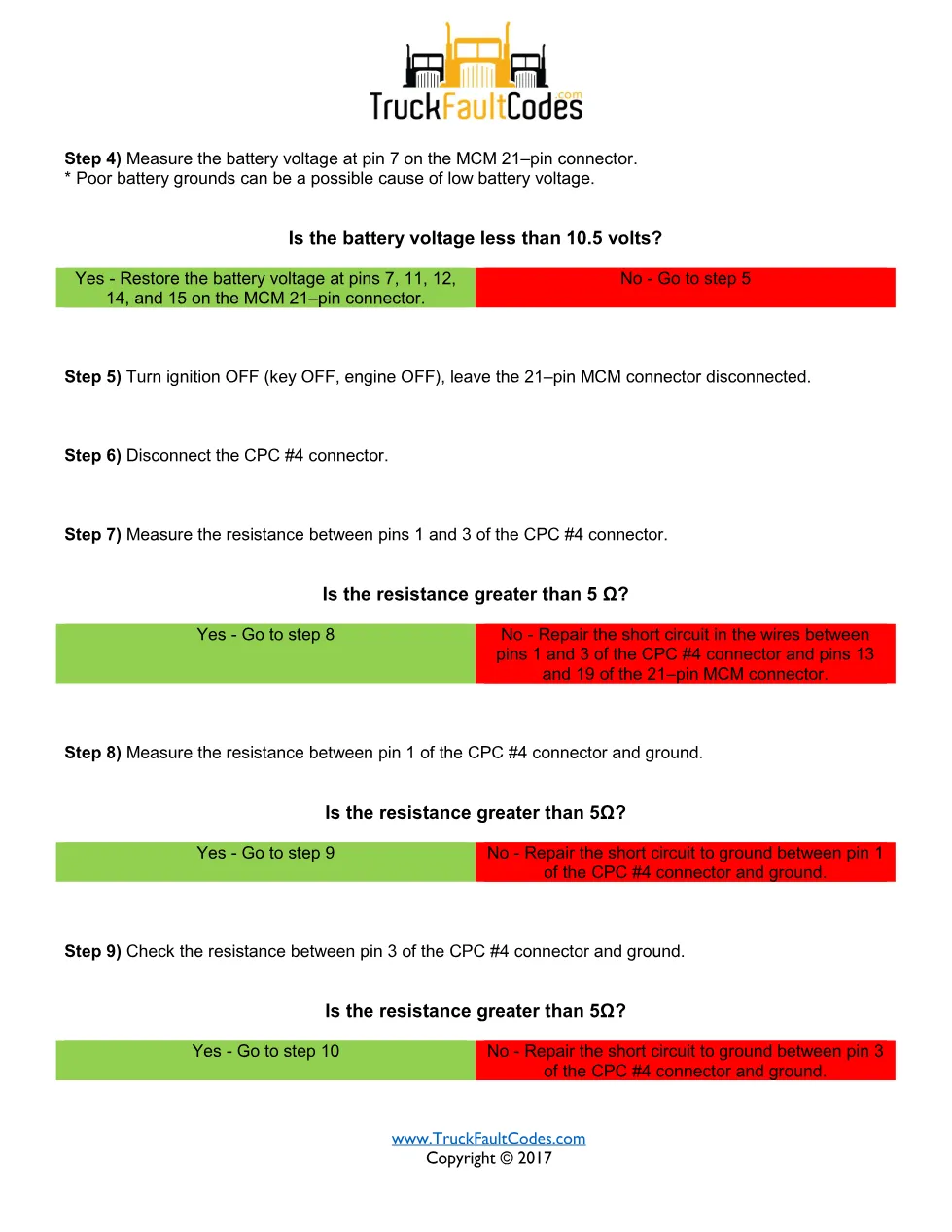
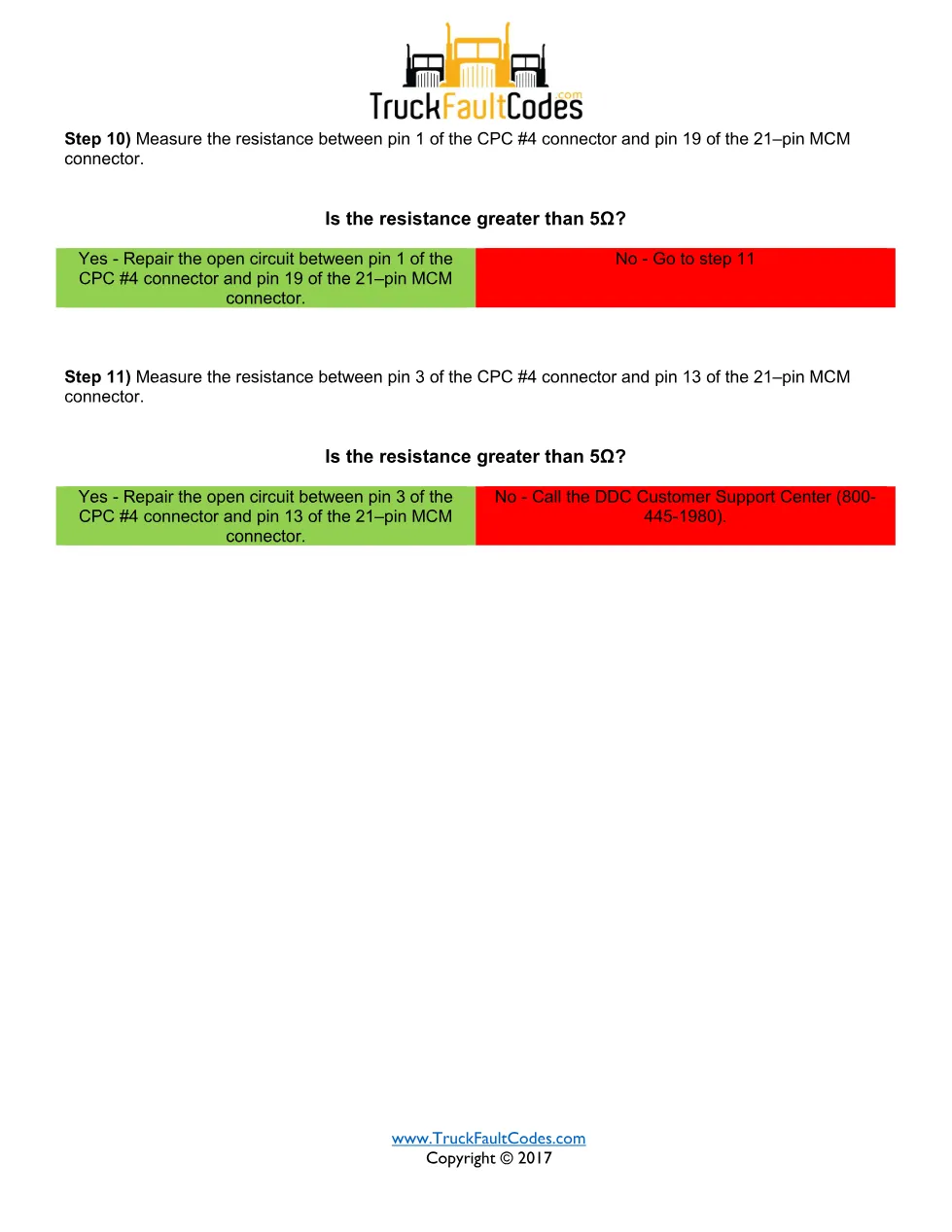
The monitored parameter is CAN communication, always enabled, with a two-second typical duration, MIL and CEL lamps and verification at engine idle for one minute. The technician confirms whether the module was recently changed or reprogrammed, verifies the correct MCM calibration and CPC parameter list, then disconnects the MCM 21-pin connector and turns the ignition on to continue the measured resistance and voltage checks on the CAN link.
Applicable truck models
This EPA07 sheet applies to Detroit DD Series engines (EPA 2007 to current) and Series 60 (DDEC VI, EPA 2007) engines using the MCM and CPC network. For engine specifications and authorised service information, see the official Detroit engine website.
Who needs the Detroit MCM SPN 625 manual
Diesel technicians and workshop owners diagnosing this Detroit DTC with DiagnosticLink or ServiceLink use it to follow the manufacturer sequence step by step, and to confirm the SPN 625 / FMI 2 repair before returning the truck to service.
The full PDF is available in the DiagTechPro manuals library; a free account is required to download it.
Related manuals library
Sản phẩm liên quan cho hãng này
Cùng brand theo taxonomy hiện có trong catalog WooCommerce.
Detroit Diesel Reports 6.3
Detroit Reprogramming Station (DDRS) 7.11

DDDL Backdoor Password: A Comprehensive Guide