
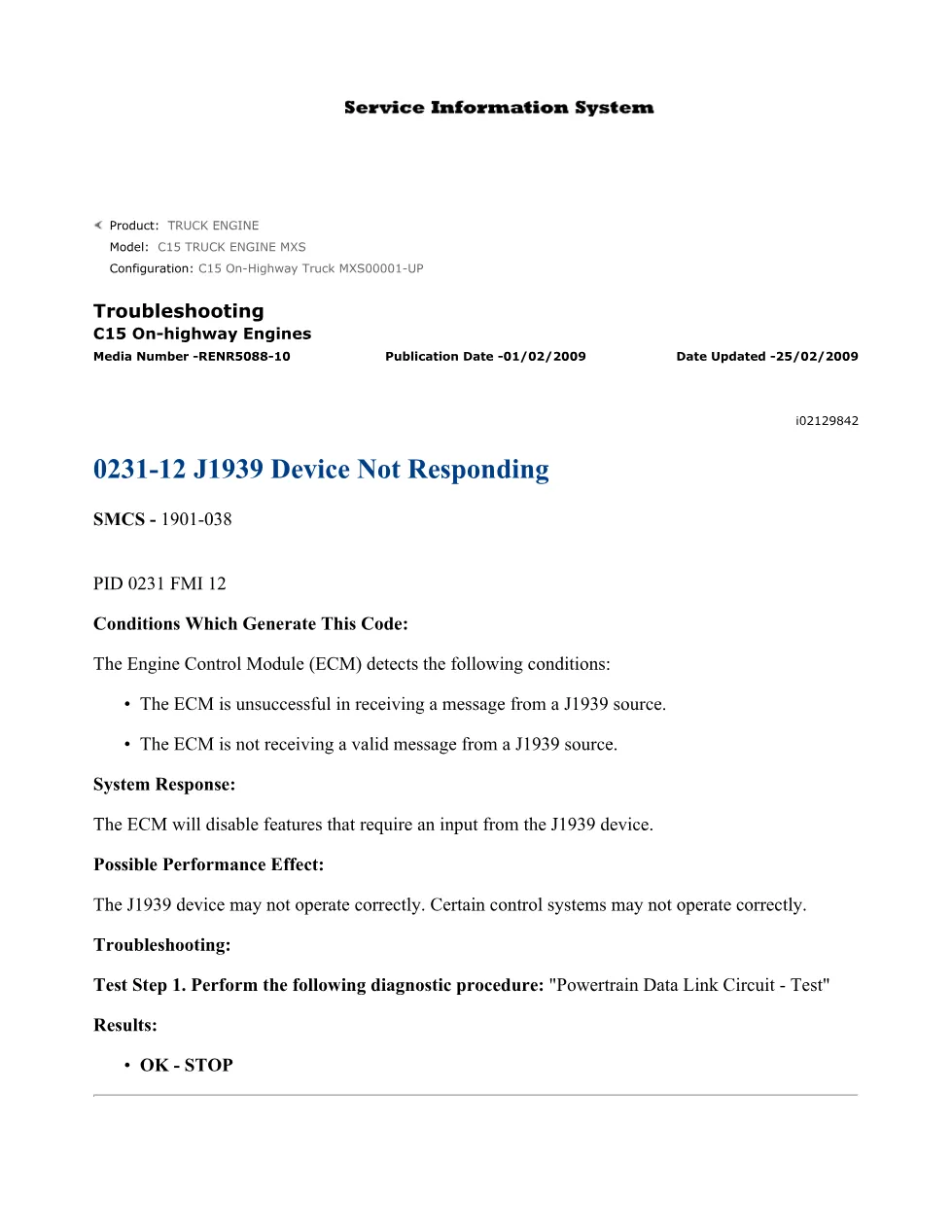
This 14-page C15 J1939 troubleshooting DTCs document provides the official Caterpillar diagnostic procedure for fault code 0231-12 (PID 0231 FMI 12), which is logged when the Engine Control Module (ECM) fails to receive a valid message from a J1939 source device. The guide covers step-by-step ATA data link circuit tests, battery voltage verification, connector inspection, and ECM replacement procedures for C15 On-Highway Truck engines.
Official C15 J1939 troubleshooting DTCs document details
| Brand | Caterpillar (CAT) |
| Model coverage | C15 Truck Engine MXS (MXS00001-UP) |
| System / Group | SMCS 1901-038 — Powertrain / ATA Data Link (SAE J1587 / J1708 / J1939) |
| Publication no. | RENR5088-10 |
| Year / Revision | Published 01/02/2009, updated 25/02/2009 |
| Pages | 14 |
| File size | 0.3 MB |
| Format | |
| Language | English |
Document table of contents
- 0231-12 J1939 Device Not Responding — Conditions, System Response, and Possible Performance Effect
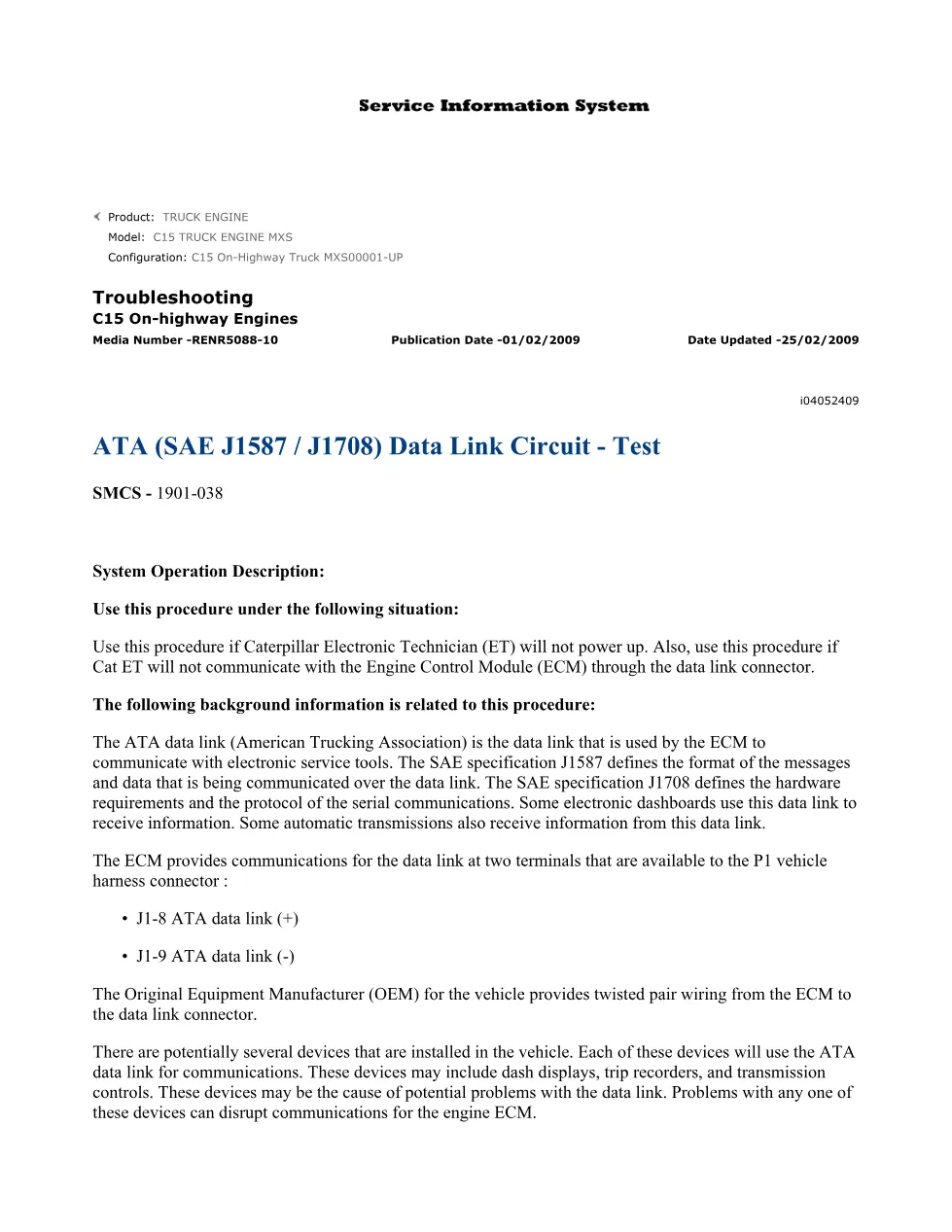
- Powertrain Data Link Circuit — Test (referenced procedure)
- ATA (SAE J1587 / J1708) Data Link Circuit — Test: System Operation Description
- Test Step 1: Inspect the Electrical Connectors and the Wiring (P1 ECM connector, pull test, torque check)
- Test Step 2: Determine the Type of Problem (Cat ET communication, engine crank/start results)
- Test Step 3: Check the Battery Voltage to the Data Link Connector (11.0–13.5 VDC / 22.0–27.0 VDC)
- Test Step 5: Check Battery Voltage at the ECM Connector (P1-48, P1-52, P1-53, P1-63, P1-65, P1-67, P1-70)
- Test Step 6: Bypass Harness Test Using 167-9225 Service Tool Adapter
- Test Step 7: Alternate Battery Test and ECM Replacement Procedure
Applicable truck models
This document applies to the Caterpillar C15 On-Highway Truck Engine, specifically configuration MXS00001-UP. The C15 is widely installed in heavy-duty Class 8 trucks. The procedures reference the J1/P1 vehicle harness connector with ATA data link terminals at J1-8 (+) and J1-9 (−), the standard round service tool connector, and Caterpillar Electronic Technician (Cat ET) diagnostic software. Mechanics working on any vehicle equipped with this C15 MXS engine series and experiencing J1939 communication faults will find this procedure applicable. For additional Caterpillar service resources, visit Caterpillar Official Support.
Who needs this C15 J1939 troubleshooting DTCs manual
Fleet mechanics, independent diesel technicians, and workshop owners diagnosing a 0231-12 fault code on a C15 engine need this document. It is essential when Cat ET will not communicate with the ECM through the data link connector or when J1939 devices stop responding during operation.
The full PDF is available in the DiagTechPro manuals library; a free account is required to download.
Related manuals library
Sản phẩm liên quan cho hãng này
Cùng brand theo taxonomy hiện có trong catalog WooCommerce.

CAT Perkins Pack – Premium Power & Performance by Caterpillar
CAT SIS