

A Hino DPR regeneration burns the soot out of the filter in the Hino DPR system. Hino calls the filter system DPR, which stands for Diesel Particulate active Reduction. You can start a manual regeneration from the dash switch, or a service regeneration from Hino DX3. This guide shows when and how.
When a Hino DPR regeneration is needed
A Hino medium-duty truck cleans its filter automatically while it drives. However, delivery trucks that stop often and idle a lot may never finish that cleaning. As a result, the DPR lamp flashes and asks the driver to start a manual regeneration.
In most cases, the dash switch solves it. But when the lamp stays on, the truck loses power, or a fault blocks the switch, you need Hino DX3. Moreover, DX3 shows the filter data and the fault codes behind the warning.
What you need before you start
- A Windows 10 or 11 Pro 64-bit laptop with the software installed and activated
- Hino DX3 diagnostic software
- The Hino interface or a supported adapter that we confirm with you
- Engine warm, with enough fuel
- Parking brake set and the truck in neutral
Safety comes first. Park outdoors on a hard surface, away from grass, fuel, paper and buildings, because the exhaust and the filter reach very high temperatures. Also, stay with the vehicle for the whole regeneration and keep people away from the exhaust outlet.
How to run a Hino DPR regeneration with DX3
- First, connect the interface and turn the key on.
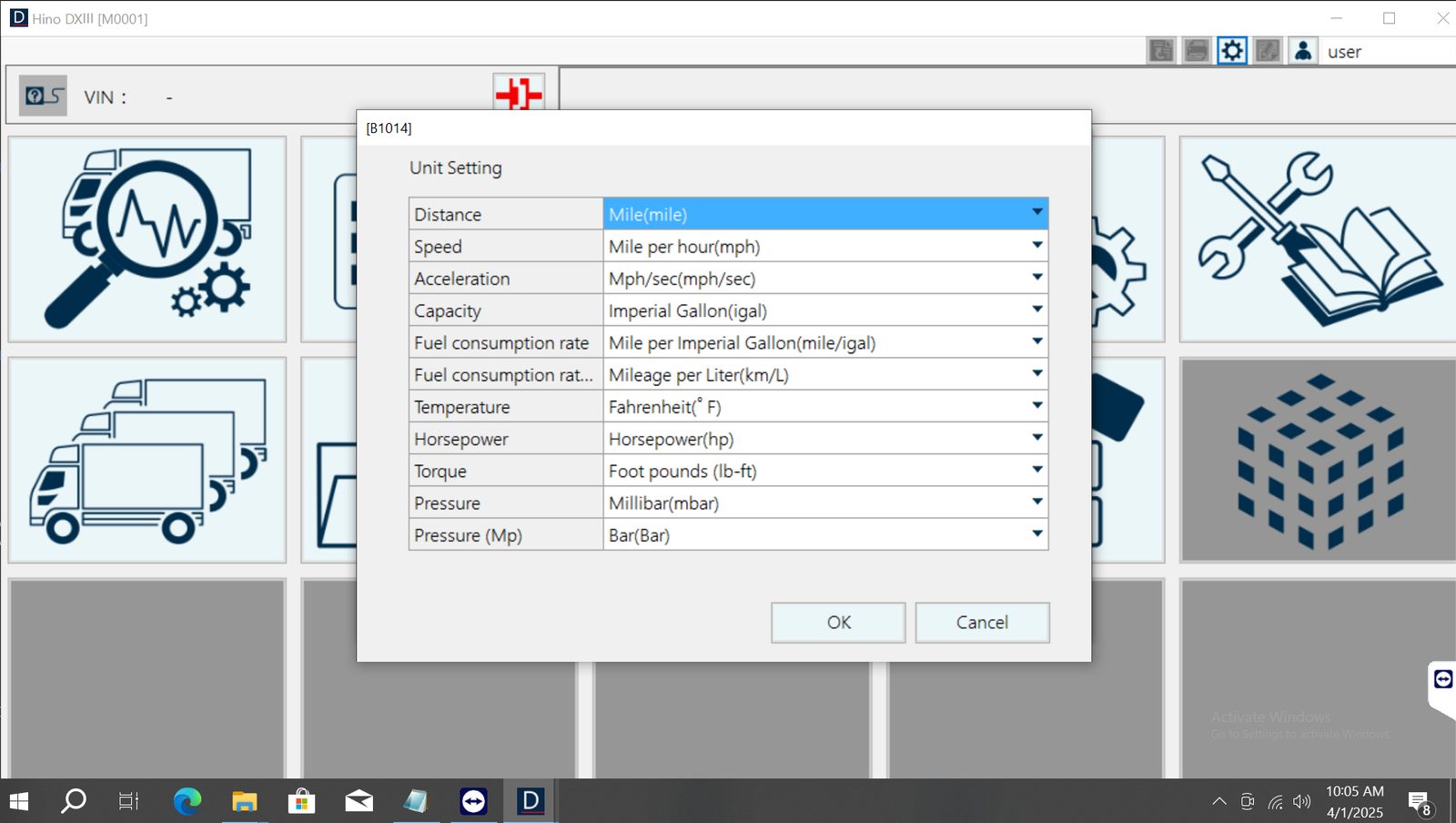
- Then open Hino DX3 and select the vehicle.
- Next, read the engine fault codes and fix any sensor or wiring fault.
- After that, open the engine tests and choose the forced or manual DPR regeneration.
- Now confirm the conditions on the screen and start it.
- Watch the exhaust temperature and the differential pressure during the test.
- Finally, let it finish. It usually takes 15 to 30 minutes.
Afterwards, clear the codes and check that the DPR lamp is off. If the filter was cleaned or replaced, also run the reset or learn routine in DX3.
When a Hino DPR regeneration keeps coming back
The lamp returns within days. This usually means a root cause, such as a leaking injector, a stuck EGR valve or a failed pressure sensor.
The regeneration stops early. For example, a driver input or a new fault ends it. So read the reason and try again.
The truck stays in derate. In that case, the filter may be full of ash. Then cleaning or replacement is the only fix.
DX3 cannot find the truck. Often the interface or the vehicle model is wrong. Therefore, check both before you try again.
Get Hino DX3 on your laptop
We install Hino DX3 remotely on your own Windows laptop with TeamViewer or AnyDesk, and we test it before we finish. Each installation includes 12 months of support. Also, you get a full refund if we cannot make it work on the setup we confirmed with you; see our refund policy. For the maker’s own documents, visit the official Hino website.
To see real installations first, watch our YouTube channel DIAGTECHPRO INSTALLATION. Then message us on WhatsApp at +84 963 975 864 or email di4gtechpro@gmail.com, and tell us the vehicle, the engine and your adapter.
Related guides on DiagTechPro
- Hino DX3 Diagnostic Software: The Complete Guide
- Passive, Active and Parked DPF Regeneration
- DPF Problems: Causes, Diagnosis and Prevention
- Workshop-Requested DPF Regeneration: What to Check First
Questions about Hino DPR regeneration
What does DPR mean on a Hino truck?
DPR means Diesel Particulate active Reduction. It is the Hino name for the DPF system.
Can the driver start a Hino DPR regeneration?
Yes, with the DPR switch when the lamp flashes. Hino DX3 is for the cases the switch cannot solve.
Does Hino DX3 work offline?
Yes. After we install and activate it, DX3 works without internet.
