

Cat ET event codes tell you that a Caterpillar engine ran outside a safe limit, while diagnostic codes tell you that a circuit or part failed. Both show up in Cat Electronic Technician, but they need different repairs. This guide explains the difference and how to read each one.
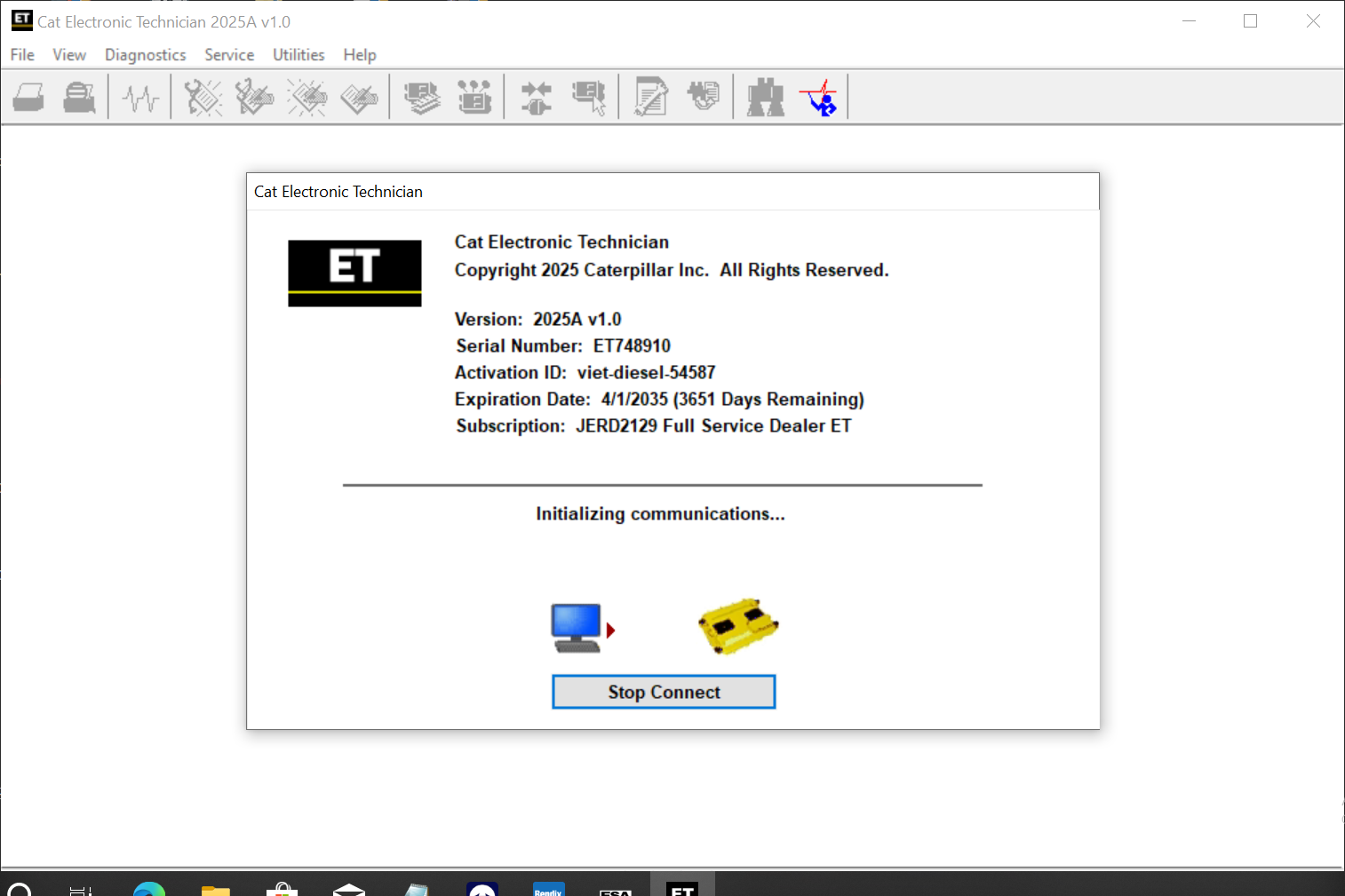
Why Cat ET event codes are different
A diagnostic code means the ECM found an electrical or component fault. For example, a sensor reads out of range, or a wire is open. In other words, something on the engine is broken.
An event code, on the other hand, means the engine was working, but conditions went past a limit. For instance, the oil pressure dropped too low, or the coolant ran too hot. So an event code points to how the machine runs, not to a broken part. That is why you read them separately.
What you need before you start
- A Windows 10 or 11 Pro 64-bit laptop with the software installed and activated
- Cat Electronic Technician (Cat ET), with a current licence level
- A Cat Communication Adapter or another supported adapter
- Key on, or the engine running for live data
Before you clear anything, write down or save every code with its count and time stamps. The history helps you find the real cause later.
How to read Cat ET event codes and diagnostic codes
- First, connect the adapter to the machine or truck and turn the key on.
- Then open Cat ET and connect to the engine ECM.
- Next, open the diagnostics menu and view the active diagnostic codes.
- After that, open the logged diagnostic codes to see past faults and their counts.
- Then open the active events and the logged events in the same menu.
- Now compare the time stamps, because an event often follows a diagnostic code.
- Finally, repair the cause and clear the logged codes you are allowed to clear.
Keep in mind that some logged events need a factory password to clear. Therefore, the history stays in the ECM, which protects the owner and the dealer.
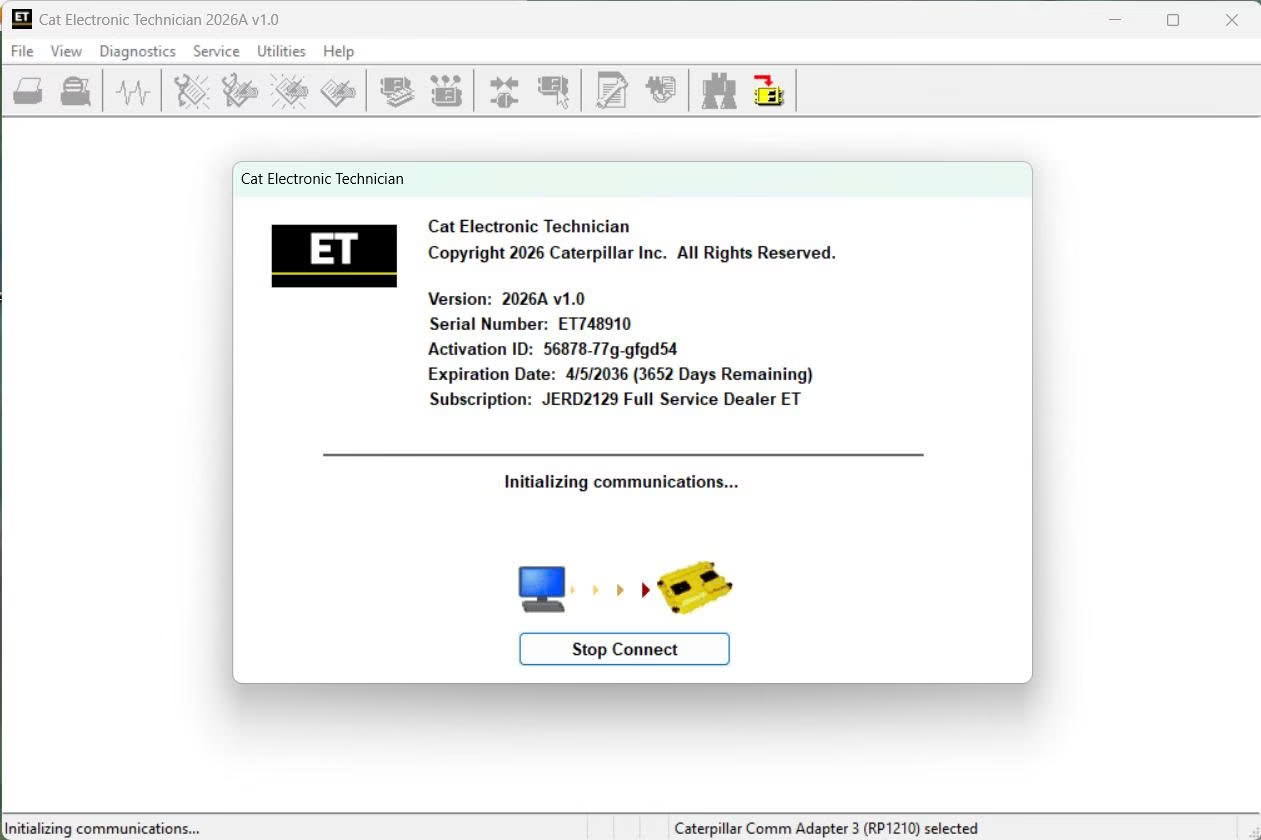
Common mistakes with Cat ET event codes
Clearing codes before reading them. You lose the history, so the next technician cannot see the pattern.
Treating an event as a broken part. For example, a high coolant temperature event often comes from a dirty radiator, not from a bad sensor.
Ignoring the count. Instead, look at how often a code occurred. One event is different from fifty.
Using an old Cat ET version. Newer engines may not connect to it. So keep a version that matches your fleet.
Get Cat Electronic Technician on your laptop
We install Cat Electronic Technician remotely on your own Windows laptop with TeamViewer or AnyDesk, and we test it before we finish. Each installation includes 12 months of support. Also, you get a full refund if we cannot make it work on the setup we confirmed with you; see our refund policy. For the maker’s own documents, visit the official Caterpillar website.
To see real installations first, watch our YouTube channel DIAGTECHPRO INSTALLATION. Then message us on WhatsApp at +84 963 975 864 or email di4gtechpro@gmail.com, and tell us the vehicle, the engine and your adapter.
Related guides on DiagTechPro
- Cat SIS 2.0: Caterpillar Service Information System
- Active and Stored Fault Codes: How to Use Both
- Understanding SPN and FMI in J1939 Fault Codes
- Reading and Clearing Fault Codes on Heavy-Duty Trucks
Questions about Cat ET event codes
What does an E code mean in Cat ET?
An E code is an event code. It shows that the engine ran outside a limit, such as low oil pressure or high temperature.
Can I clear Cat ET event codes myself?
You can clear many logged codes. However, some events need a factory password from Caterpillar.
Does Cat ET also cover Perkins engines?
Perkins uses its own tool, Perkins EST, which looks and works almost the same.
