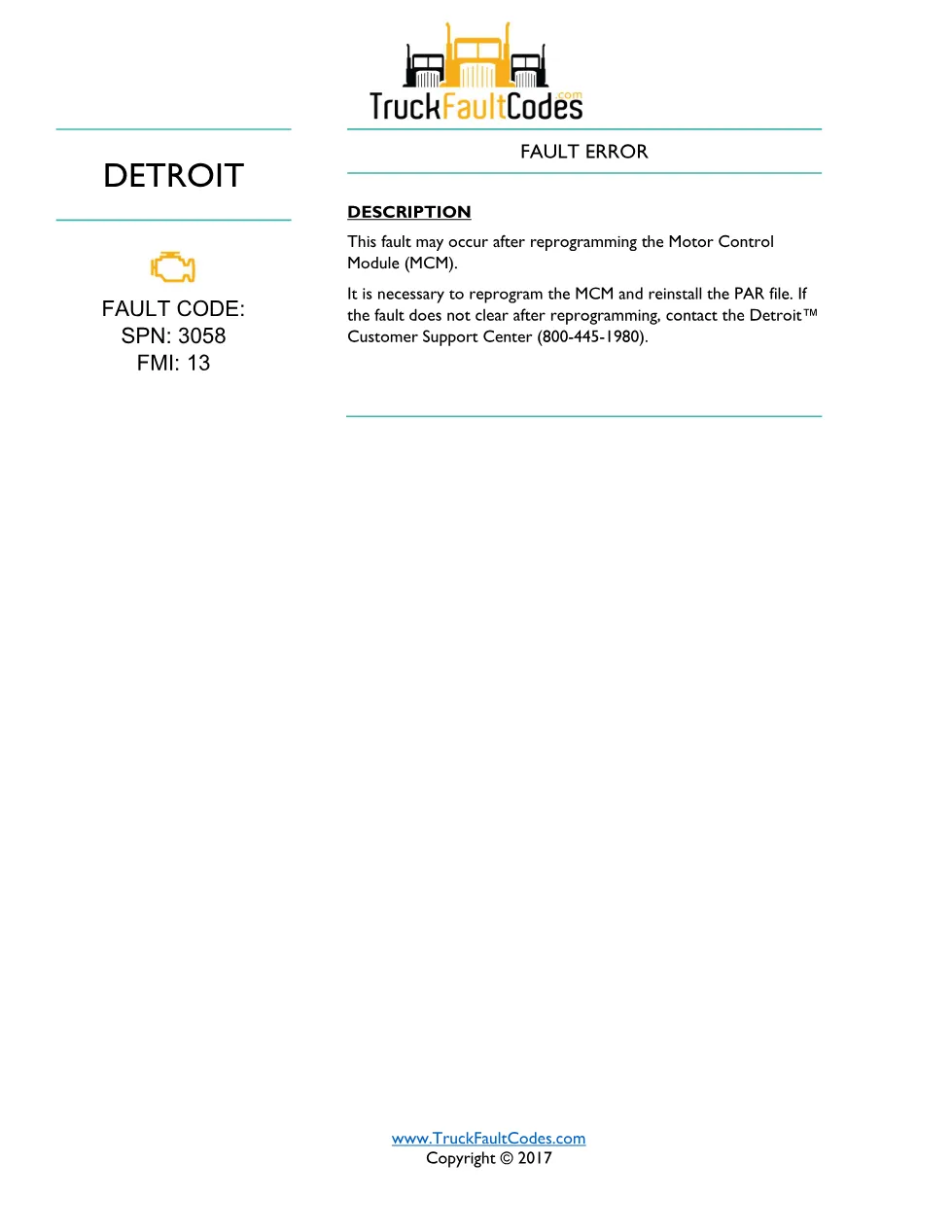
Detroit fault code SPN 3058 FMI 13 is the TruckFaultCodes.com diagnostic sheet for the Fault Error After MCM Reprogramming condition on Detroit DD-series engines. This 1 page reference lists the fault identification, monitored conditions where shown, and the step-by-step troubleshooting the technician follows in the shop.
Official document details
| Brand | Detroit |
|---|---|
| Model coverage | Detroit DD Series (EPA 2007-Current) |
| System / Group | DD Series (EPA 2007-Current) / DTCs |
| Publication no. | Not printed; TruckFaultCodes.com reference |
| Year / Revision | 2017 |
| Pages | 1 |
| File size | 0.1 MB |
| Format | |
| Language | English |
Document table of contents
- Fault code identification (SPN 3058 / FMI 13)
- When this fault error appears
- MCM reprogramming and PAR file reinstall
- Customer Support Center escalation
SPN 3058 FMI 13 troubleshooting steps
The description states this fault may occur after reprogramming the Motor Control Module (MCM). The corrective action is to reprogram the MCM and reinstall the PAR file. If the fault does not clear after reprogramming, the technician contacts the Detroit Customer Support Center at 800-445-1980.
Because the code is tied to a software operation rather than a hardware failure, no wiring, connector or sensor diagnosis applies to this fault. The technician does not chase a circuit; the entire corrective action is a controlled reprogramming operation carried out with the Detroit diagnostic software, followed by reinstalling the vehicle PAR file so the module returns to its correct calibration.
Applicable truck models
This sheet applies to Detroit DD-series diesel engines (the DD13, DD15 and DD16 family) built under the EPA 2007-Current emissions platform. Engine and emissions specifications should always be confirmed against the vehicle build; full engine information is published on the Detroit Diesel official site.
Who needs this SPN 3058 FMI 13 manual
Technicians who see this error set immediately after an MCM update use this sheet to verify that reprogramming and reinstalling the PAR file is the correct response. It is a quick bench reference rather than a full workshop manual, so the named removal steps still route back to Power Service Literature and, where escalation is needed, to the Detroit Customer Support Center.
The full PDF is available in the DiagTechPro manuals library; a free account is required to download it.
Related manuals library
Sản phẩm liên quan cho hãng này
Cùng brand theo taxonomy hiện có trong catalog WooCommerce.
Detroit Diesel Reports 6.3
Detroit Reprogramming Station (DDRS) 7.11

DDDL Backdoor Password: A Comprehensive Guide